
Last updated October 31, 2026
 Wrought iron
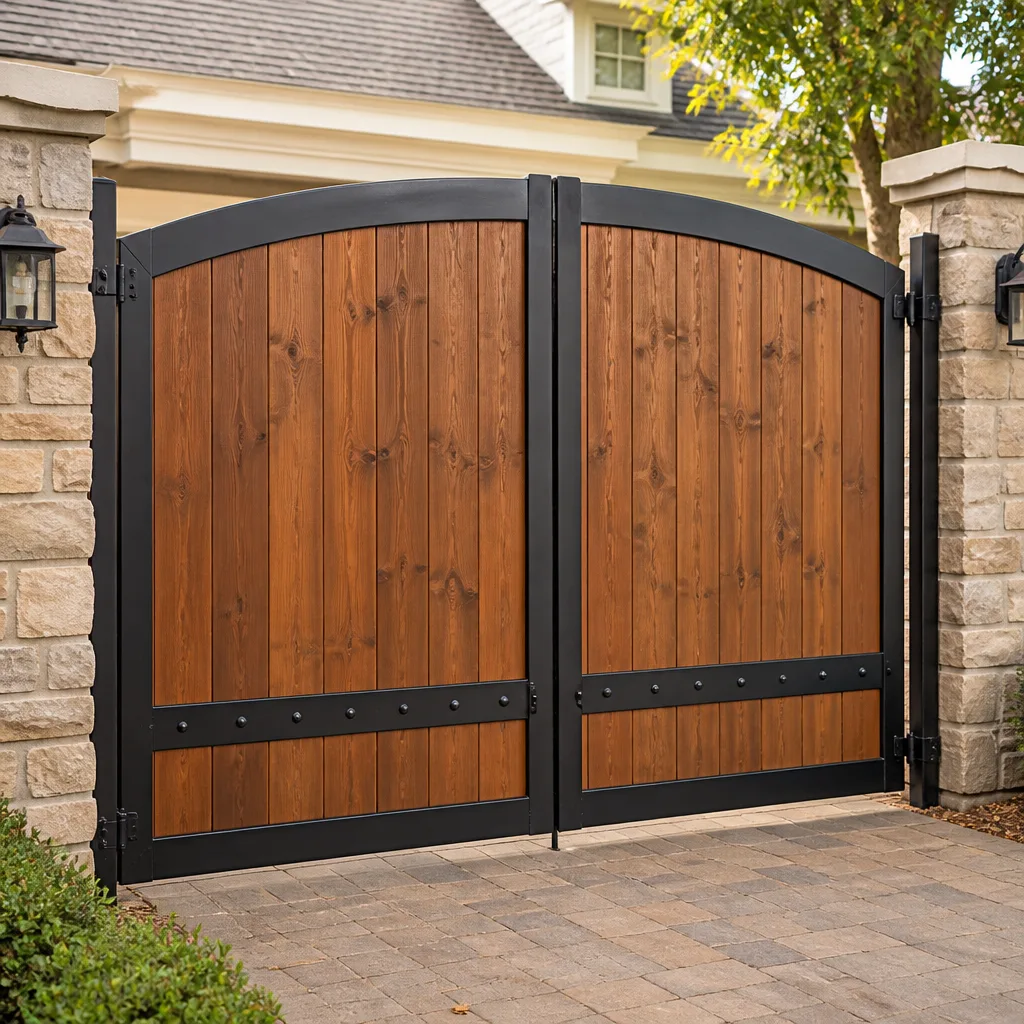 Wood & steel frame
 Farm & ranch
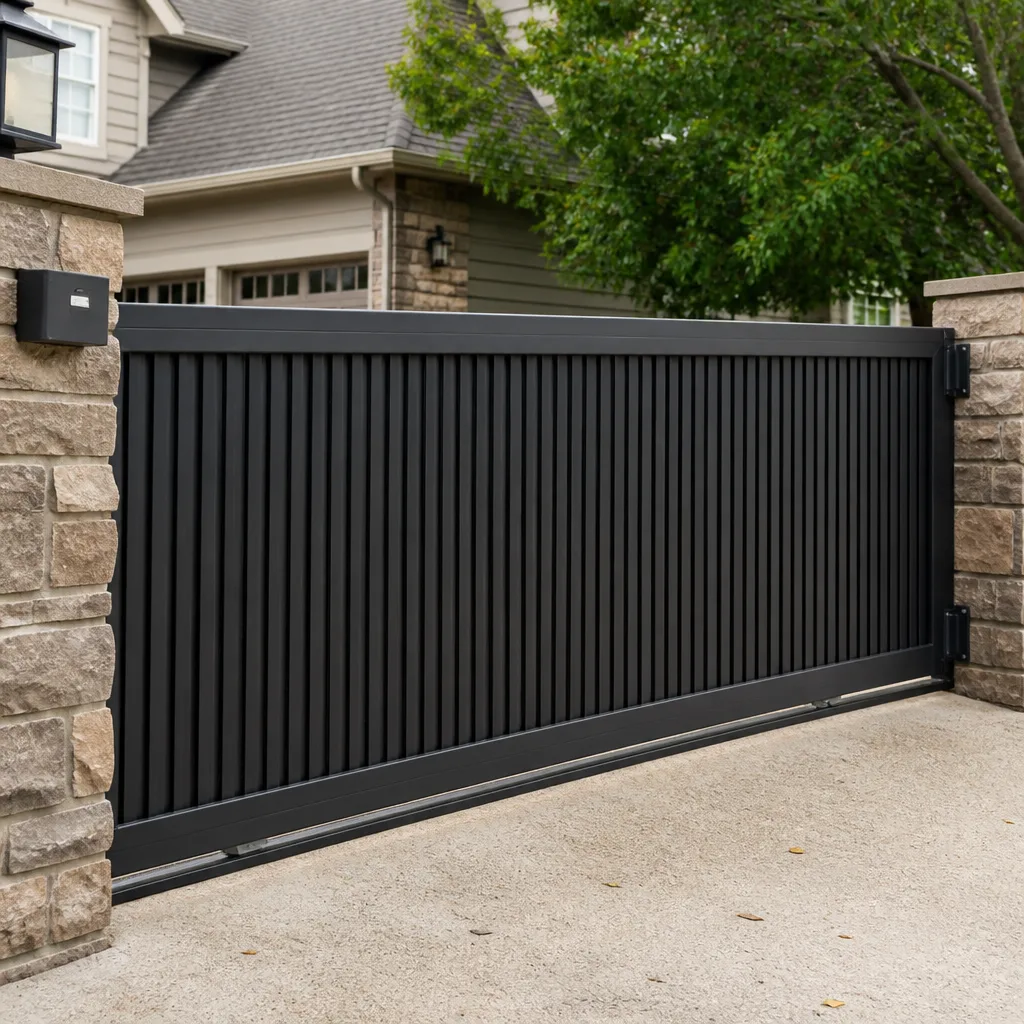 Sliding driveway gates
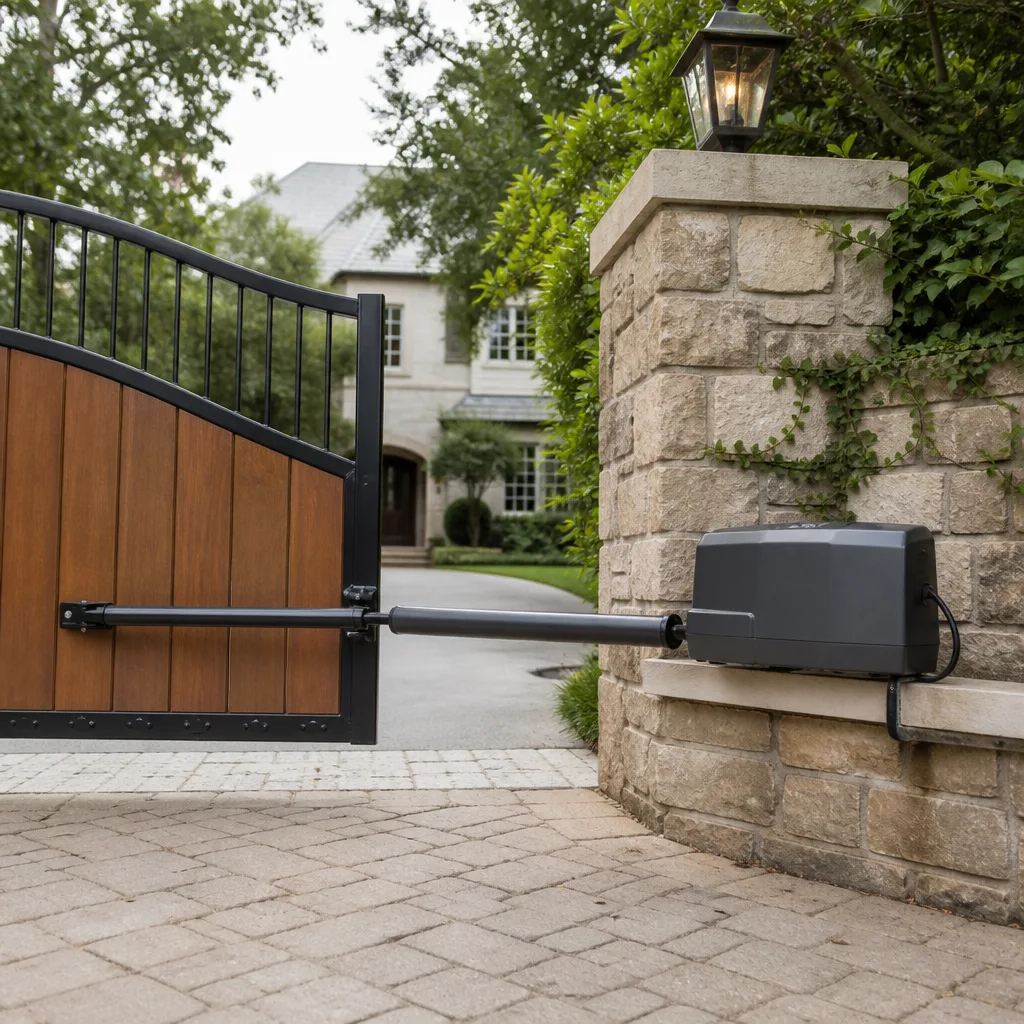 LiftMaster operators
Free on-site gate assessment - hinges, posts, and your LiftMaster or Nice gate operator checked before anything is quoted
The assessment is free and the quote is the invoice.
Get your free estimateGate Repair Emergency Preparedness Guide for Tampa Homes
Every hurricane season, Tampa homeowners call us with the same story: the storm has passed, the power is back on, and the gate won’t move. The operator hums or clicks or does nothing at all. The vehicle is trapped inside or the driveway sits wide open overnight. What most of those calls have in common is that the problem existed before the storm ever made landfall: a manual release that was never tested, a battery backup that was never installed, or safety sensors that were already misaligned. This guide is about the preparation window that exists right now, before the next storm enters the Gulf, so your gate emergency never happens in the first place. If you live in Tampa and your property relies on an electric gate, the information here is specific to our climate, our storm patterns, and the systems we see most often.
Styles & brands we work with
Quick Answer
Gate repair emergencies in Tampa are largely preventable with three pre-storm actions: locate and test your manual release now, install and verify a battery backup if your gate is your only entry point, and document your operator’s brand and model for fast diagnosis later. When a storm is already approaching, the single most important decision is whether your gate should be locked open or locked closed, and that answer depends on whether you have a secondary exit for vehicles.
Table of Contents
- Why You Need to Know Your Gate Before the Storm
- How to Locate, Test, and Document Your Manual Release
- Battery Backup: Which Tampa Homes Actually Need It
- The Pre-Hurricane Gate Decision: Locked Open or Locked Closed
- The Pre-Storm Gate Checklist That Prevents Most Post-Storm Failures
- What Information to Have Ready Before You Call for Emergency Repair
- Power Outage Protocol: What to Do When the Gate Stops Mid-Cycle
- Post-Storm Gate Assessment: What to Check Before You Call
- Common Mistakes to Avoid
- When to Call a Professional
- Frequently Asked Questions
- The Bottom Line
Why You Need to Know Your Gate Before the Storm
Most Tampa homeowners interact with their gate exactly one way: press the remote, gate opens, gate closes. That arrangement works fine until the power drops and suddenly the remote is a useless piece of plastic. The time to learn how your gate behaves without electricity is not during a tropical storm warning with wind already picking up. It’s a clear Saturday afternoon in March or a Tuesday evening in October when nothing is pressing. We regularly hear from homeowners who had no idea their gate even had a manual release, let alone where it was or how to operate it. On a Ghost Controls system, the release is usually a keyed mechanism on the operator itself. On a DoorKing swing operator, it’s often a lever or a crank that disengages the motor from the arm. On an Elite slide gate, it’s typically a release handle near the drive unit. Every brand does it differently, and that’s the point: you need to know your brand’s procedure before you need it.
Why this matters in Tampa specifically: our power grid takes hits from summer thunderstorms that roll through with almost no warning, not just hurricanes. A downed line in Carrollwood or a transformer failure in South Tampa can knock out your gate with zero advance notice. If your property has only one vehicle entry point, an electrically locked gate can strand your car or lock out emergency access. Knowing your gate means knowing how to override it by hand, and that knowledge converts a potential emergency into an inconvenience. The Gate Repair in Tampa calls we take after severe weather are almost always worse when the manual release was never touched.
Take twenty minutes this week to do the following: open your operator’s cover, find the release mechanism, and read the brand and model number printed on the unit. Write both down. Photograph them. Store the photo in your phone’s favorites and email it to yourself. If you can’t identify the release mechanism or it feels stiff or stuck, that’s an early warning sign. A release that won’t operate smoothly under calm conditions will not operate smoothly at midnight in a storm.
How to Locate, Test, and Document Your Manual Release
Every electric gate operator, regardless of brand, is designed with a mechanical disconnect that separates the motor from the gate leaf. This exists so the gate can be moved by hand when there’s no power or when the motor fails. The mechanism itself varies by brand and by gate type, swing versus slide, and that variation is exactly why generic advice fails. We’ll walk through the most common configurations we see on Tampa properties, and then give you a documentation method that works for any system.
Step-by-Step: Locate Your Release
- Identify your gate type. A swing gate moves on hinges like a door. A slide gate rolls on a track or a cantilever system parallel to the fence line. The release is in a different place for each.
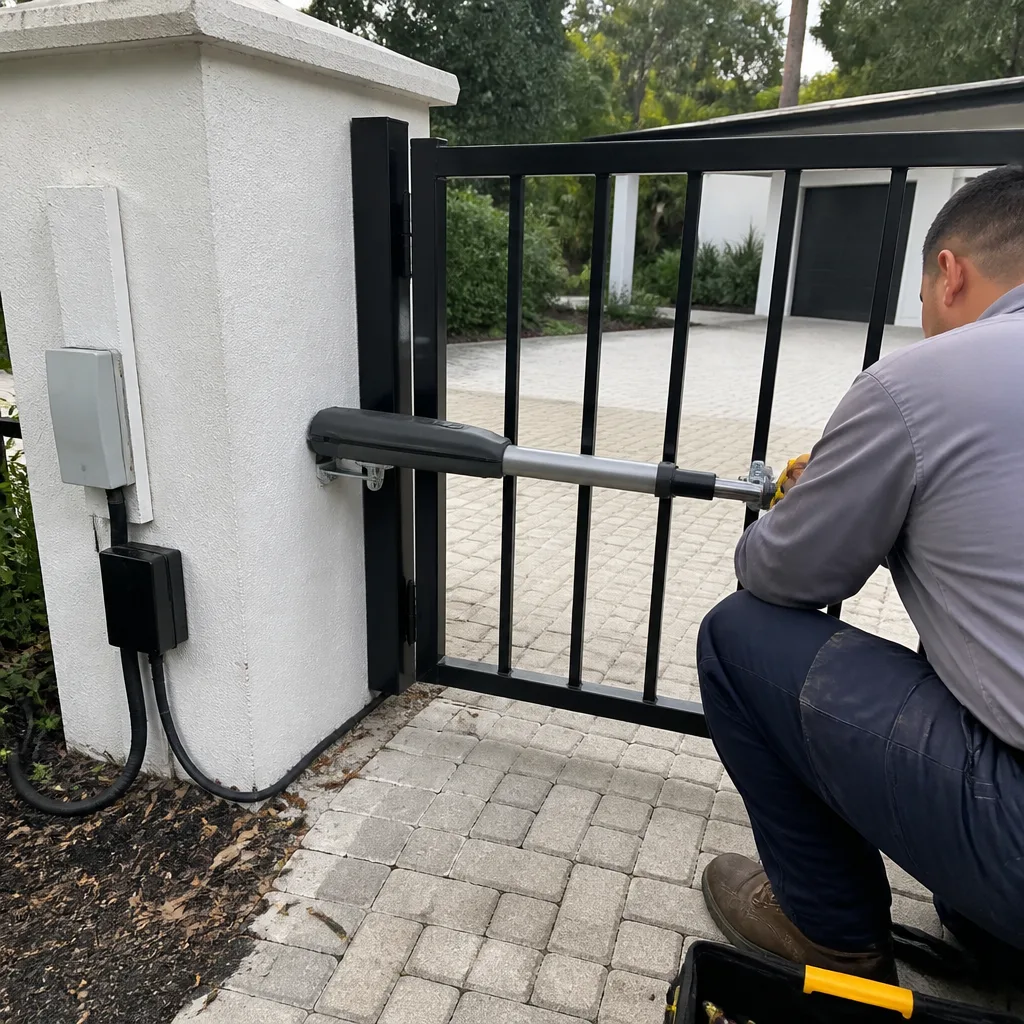
- Find the operator. On a swing gate, the operator is typically a black or gray box mounted on the gate post or the gate itself, with an arm extending to the other. On a slide gate, the operator is a box mounted on a concrete pad near the fence, with a chain or gear rack running along the gate’s bottom edge.
- Look for a keyhole, a lever, a T-handle, or a pull ring. On Mighty Mule and Ghost Controls swing operators, there’s usually a key-operated release on the side of the housing. On DoorKing and Elite slide operators, look for a release handle or a small hinged cover with a release inside. On some FAAC hydraulic operators, there’s a manual screw pump release under a cover.
- If you see a keyhole, find the key. Many Tampa homeowners inherited a gate with their home purchase and never received the release key. If that’s you, contact the installer or the previous owner. If that fails, a locksmith or a gate specialist can help. Do not wait until the emergency.
Step-by-Step: Test It
- Disengage the release exactly as the operator label indicates.
- Push or pull the gate by hand through its full travel, one direction and then the other. A gate in good mechanical condition moves with steady resistance and no grinding. If it drags, binds, or requires real effort, that’s a mechanical problem independent of electricity.
- Re-engage the release and confirm the operator can move the gate again. Some systems require a specific sequence, like pressing a reset button or cycling the remote once, before the motor re-engages automatically.
- Write down or video-record the process. A 30-second phone video of you doing the release is worth more than any manual you’ll lose in a drawer. Label the video with the date and keep it somewhere findable.
In our experience, roughly a third of the gates we service in Tampa have a manual release that either hasn’t been tested in years or was never functional due to installation shortcuts. A release that’s rusted in place in April will still be rusted in place in September. Test it now, not after the storm has made landfall.
Battery Backup: Which Tampa Homes Actually Need It
Not every electric gate needs a battery backup. Some properties benefit from one enormously. The distinction comes down to access and use patterns, and it’s a decision you should make deliberately rather than discovering the answer by being locked out after a storm.
You should seriously consider a battery backup if: your gate is the only motor vehicle entry to your property; you or someone in your household relies on a vehicle for medical transport or daily access; your property has no pedestrian gate separate from the vehicle gate; or your gate protects commercial property where closure matters for security regardless of power. If you have a secondary vehicle entry that stays operable without power, or a separate pedestrian gate, or a manual gate that you can open and close by hand without tools, battery backup may be optional rather than essential.
A gate operator battery backup typically provides enough power for a limited number of open-close cycles during an outage, not unlimited operation. Capacity varies by operator and by system. A larger swing gate with a heavy leaf draws more current per cycle than a lighter residential slide gate, so runtime depends on your specific hardware. The way to know your actual capacity is to test it: simulate a power failure by switching off the breaker to the operator, then cycle the gate and count how many operations you get before the battery dies. Most Tampa homeowners have never done this test, and we recommend it annually, ideally in May before hurricane season begins in June.
Installation of a battery backup is not a universal DIY project. Some operators have a factory battery tray and a plug-and-play harness. Others require an external battery box with a charging circuit and wiring that’s specific to the control board’s voltage. If you’re not certain your operator supports a given battery configuration, call a specialist before buying parts. The wrong battery can damage a control board, and control board replacement on a motorized gate is a significantly more expensive problem than the battery itself.
The Pre-Hurricane Gate Decision: Locked Open or Locked Closed
When a storm is approaching Tampa and you’ve completed your other preparations, you face one gate decision that many homeowners answer incorrectly. The question: should your gate be locked open or locked closed for the duration of the storm and its aftermath? The right answer depends on your access profile, and there is no universal correct choice.
Lock the gate open if: your gate is the only vehicle entry and exit point; you may need to evacuate or return after the storm; you rely on the vehicle for essential travel; or emergency vehicles might need to reach your home. A gate locked open cannot strand you, and it cannot prevent first responders from accessing the property. The downside is obvious: your property is open during and after the storm. For many Tampa homes with fenced yards and no security personnel on site, the access risk is acceptable compared to being trapped.
Lock the gate closed if: you have a separate, non-electric entry that remains passable; your property is unoccupied during the storm season and open access would invite trespassing; or the gate protects critical infrastructure, equipment, or inventory where open access is not acceptable. Some commercial properties in Tampa choose to lock gates closed and rely on pedestrian gates or secondary vehicle gates for access after the storm. If you choose this path, verify that your alternate entry actually works before the storm, because discovering a stuck pedestrian gate after the roads are blocked with debris is a problem that compounds fast.
How you lock the gate matters. Use the manual release to disengage the motor, then mechanically pin or chain the gate in the chosen position. Do not rely on the operator to hold the gate against wind load. A swing gate that’s left powered in the closed position can be blown open by wind if the operator’s clutch is weak, and once it’s swinging free, it can damage the operator arm, the hinge posts, or itself. Mechanical fastening, not motor torque, is what holds a gate through tropical storm force winds. The Electric Gate Repair in Tampa calls we take after wind events frequently involve gates that were left powered and got back-driven by gusts.
The Pre-Storm Gate Checklist That Prevents Most Post-Storm Failures
Most post-storm gate failures share common root causes that can be addressed in advance. This Gate Repair Maintenance Checklist for Tampa Homeowners covers the items we would inspect on our own Tampa properties before a named storm, in roughly the order that matters most. None of these steps requires special tools, and all of them together take under an hour.
- Test the manual release and exercise the gate by hand. If the gate binds or the release sticks, fix it now. A gate that moves freely by hand will be far easier to manage when the power is out.
- Check the safety sensors. Photo eye sensors near the base of the gate posts get dirty, knocked out of alignment, or obscured by plant growth. Clean the lenses and verify the gate stops and reverses when the beam is interrupted. A gate that’s misbehaving after a storm is frequently just a sensor that collected debris.
- Trim vegetation around the gate track, hinges, and sensor path. Tampa’s growing season means that by late summer, branches and vines are often encroaching on gate hardware. Loose vegetation becomes airborne debris in a storm and can wedge into tracks, bend arms, or block sensors.
- Verify that the operator cover is sealed. Open the operator housing and look for signs of water intrusion, insect nests, or corrosion on the control board. In Tampa humidity, corrosion is a slow constant process. If the board shows green or white residue on connectors, note it.
- Check the gate’s mechanical alignment. A swing gate that sags slightly will put extra load on the operator. A slide gate with a worn roller or a buried track section will strain the drive. Neither problem gets better during a storm.
- Record your operator’s brand and model. Photograph the label. If you do need repair after the storm, telling the repair service you have a specific model on the phone saves a diagnostic trip.
- Decide your open-versus-closed strategy and tell everyone in the household what was decided. A locked-open gate with a manual release disengaged is confusing if only one person knows the plan.
What Information to Have Ready Before You Call for Emergency Repair
Emergency repair calls move faster when the homeowner can answer four questions immediately. We’ve built these questions around the details that actually determine which parts and which truck are needed. If a storm has knocked out hundreds of gates across Tampa, you want your call to be the one that gets scheduled first because the problem is already half-diagnosed.
First, the brand and model of the operator. This tells the repair technician which motors, boards, and parts are likely involved, and whether the components are still manufactured. Second, the gate type and approximate weight or length. A 14-foot tubular steel swing gate is a different repair proposition than a 20-foot chain-link slide gate. Third, a precise description of the symptom: “the gate hums but won’t move” versus “the remote does nothing and the keypad is dead” versus “the gate moved halfway and then reversed” each points to a different failure. Fourth, anything that happened before the symptom appeared, including power outages, lightning strikes nearby, vehicles hitting the gate, or unusual noises over the previous weeks.
If you take nothing else from this guide, take the brand and model documentation step. It is the single highest-leverage item, and it costs five minutes. A homeowner who says “it’s a Ghost Controls swing unit, model from 2019” has already saved the repair service a diagnostic cycle. A homeowner who says “the box is gray and it’s attached to the gate” has not.
Power Outage Protocol: What to Do When the Gate Stops Mid-Cycle
A gate that stops mid-cycle during a power outage is usually sitting halfway open or halfway closed. Tampa thunderstorms produce this exact situation regularly, and the first response should be calm and mechanical rather than electrical. The gate didn’t break because the power went out; it stopped because the motor lost its input and the gate has no way to finish the movement on its own.
Step one: use the manual release to disengage the operator. Step two: move the gate by hand to whichever position matches your pre-decided strategy. If your property’s plan during outages is open access, move it fully open and mechanically secure it. If the plan is closed and locked, move it fully closed and pin or chain it. Step three: leave the operator disengaged until power is restored and stable. A gate that’s half through its cycle when power returns can behave unpredictably if the operator re-engages in the middle of a travel limit. Once power is back, re-engage the release according to your operator’s procedure, then cycle the gate with the remote and watch the full travel in both directions.
If the gate stopped mid-cycle and you cannot move it by hand even with the release disengaged, you have a mechanical obstruction or a damaged component, not an electrical problem. That’s the situation where calling for professional help makes sense, because forcing the gate risks bending the operator arm, breaking a hinge, or damaging the track. A specialist can identify whether the obstruction is debris, a broken roller, a bent track, or something less obvious.
Post-Storm Gate Assessment: What to Check Before You Call
After the storm has passed and power is restored, a systematic five-minute check will tell you whether your gate needs professional attention or just a reset. Run through these items in order, and only call for service if something actually fails. Many post-storm gate problems in Tampa turn out to be simple and homeowner-solvable, and the ones that aren’t are easier to describe clearly if you’ve done the assessment first.
Check the power and control board first. Is the operator receiving power? Does the board light up or show any LED activity? Some operators have a reset procedure after an outage, typically a breaker cycle or a specific button sequence. If the board shows no signs of life, that’s likely a power supply or surge damage issue, and it’s a professional repair.
Check the manual release and gate movement next. With the operator disengaged, the gate should move by hand with steady effort in both directions. If it does, the mechanical system is sound and the problem, if any, is electrical or control-related. If it binds or won’t move, you have a mechanical issue like storm debris in a track, a bent hinge, a shifted post, or a damaged roller.
Check the safety sensors and keypad. Clean sensor lenses, remove leaf litter from the beam path, and verify alignment. Test the keypad, if you have one, and the intercom or telephone entry system. A surprising number of post-storm “gate failures” in Tampa are actually keypad or intercom failures that leave users unable to send an open command.
If all three checks pass and the gate still won’t operate, don’t keep resetting the breaker or pressing the remote repeatedly. Repeated cycling can compound a control board problem. That’s the moment to call the Tampa Gate Company home speciality team with your documentation in hand and a precise symptom description.
Common Mistakes to Avoid
- Never testing the manual release until the power is already out. A release that hasn’t been used in three years is as likely to be seized as functional. Test it yearly, in calm weather, and you’ll never face the worst-case version of this surprise.
- Leaving a swing gate powered during high wind. A motor that’s holding a gate closed can be back-driven by gusts, which damages the operator and turns the gate into a wind sail. Mechanically secure the gate before the storm.
- Assuming the gate is fine because the remote still beeps. A remote signal reaching the board doesn’t mean the motor is good, the sensors are aligned, or the gate will complete its travel. Remote beeps are not diagnostics.
- Forcing a gate that’s stuck, whether by hand or by repeated remote presses. If the gate binds, forcing it risks bending the arm, breaking a hinge, or stripping a gear. Stop and call a specialist.
- Waiting to document the operator’s brand and model until the gate has already failed. After the storm, the operator may be wet, the label may be unreadable, and the repair service will need to identify the unit on site. Document it now.
- Ignoring a gate that works but sounds different. A new grinding, clicking, or straining sound is an early warning that something is wearing. Storms accelerate the failure of worn parts. Address noise before the season starts.
When to Call a Professional
Some gate problems are not homeowner-solvable, and recognizing the line protects both your gate and your time. Call a gate specialist if the control board shows no signs of power after the breaker is verified on; if the gate moves erratically, reverses at random points, or stops at inconsistent positions; if you hear grinding or metal-on-metal contact during travel; if the operator was submerged or the board enclosure was flooded; if the gate was hit by a falling branch or a vehicle; or if you simply cannot identify the release mechanism or the operator’s brand. These conditions point to control board damage, mechanical wear, sensor failure, or structural misalignment, all of which get worse when improvised. Tampa Gate Company offers free estimates in Tampa, and you can call (866) 976-0095 to schedule one without obligation.
Frequently Asked Questions
Every electric gate operator has a manual release that disconnects the motor from the gate, but the exact procedure varies by brand. Ghost Controls and Mighty Mule swing operators typically use a keyed release on the side of the housing; DoorKing and Elite slide operators generally have a release handle or lever near the drive unit. Locate it now, test it on a clear day, and record the process on video so you’re not learning it by flashlight during an outage. Call (866) 976-0095 if you can’t find your release or it won’t operate.
A battery backup is worth the investment if your gate is your only vehicle entry point or if you have no separate pedestrian gate that works without power. In Tampa, where summer thunderstorms cause frequent brief outages, a backup that provides even eight to ten full open-close cycles covers the vast majority of real-world outages. Test the battery annually by cutting the breaker and cycling the gate, and replace the battery on the manufacturer’s recommended interval.
Your first action is to disengage the manual release and move the gate by hand to your pre-determined storm position. If the gate moves freely, you’ve regained access immediately, and you can assess the electrical system afterward. If the gate won’t move by hand even with the release disengaged, you’re dealing with storm debris or a mechanical failure, and forcing it risks additional damage. Get the gate secured, then call a specialist.
The operator’s receiver and the keypad are two different electronic paths. A remote working means the operator, motor, and receiver are functional. A dead keypad usually means a water intrusion problem, a corroded wire connection, or a blown fuse on the keypad circuit, all common after heavy rain in Tampa. Clean the keypad, check the wiring junction box for moisture, and if it’s still dead, the keypad or its circuit needs professional diagnosis.
Emergency gate repair costs vary widely depending on whether the problem is a control board, a motor, a mechanical failure, or something simple like a sensor or a keypad. For Gate Repair Permits, Codes & Inspections in FL: What You Need to Know, check our dedicated guide. The cheapest repairs are typically sensor realignments, keypad replacements, and remote reprogramming; the most expensive are control board replacements and motor rebuilds. You’ll get an exact quote before any work starts, with free estimates on every Tampa service call.
You can handle simple things after a power surge: reset the breaker, cycle the operator’s reset button if one exists, and check that the outlet or power supply is actually energized. If the control board shows no activity after those steps, do not open the enclosure and attempt component-level repair. Gate control boards carry capacitor charge and are easy to damage further with incorrect handling. A specialist familiar with your operator’s brand is the right call. Schedule a visit from our Tampa team at (866) 976-0095.
The Bottom Line
Gate emergencies in Tampa are rarely truly sudden. They’re usually the result of a manual release that was never located, a battery backup that was never considered, a sensor that was never cleaned, or a storm decision that was never made. The preparation in this guide costs one afternoon, and it converts the most stressful kind of gate failure into a known, rehearsed procedure. Know your operator’s brand, test your release yearly, decide your storm position in advance, and keep your documentation where you can find it in the dark. If the gate still fails despite all of that, you’ll call with a diagnosis already half made, and the repair will be faster for it. For a gate that needs professional attention in Tampa, reach the Gate Installation in Tampa and repair specialists at (866) 976-0095 for a free estimate.
Written by the team at Tampa Gate Company, serving Tampa since 2013. Explore more guides & resources on our blog.
See the difference
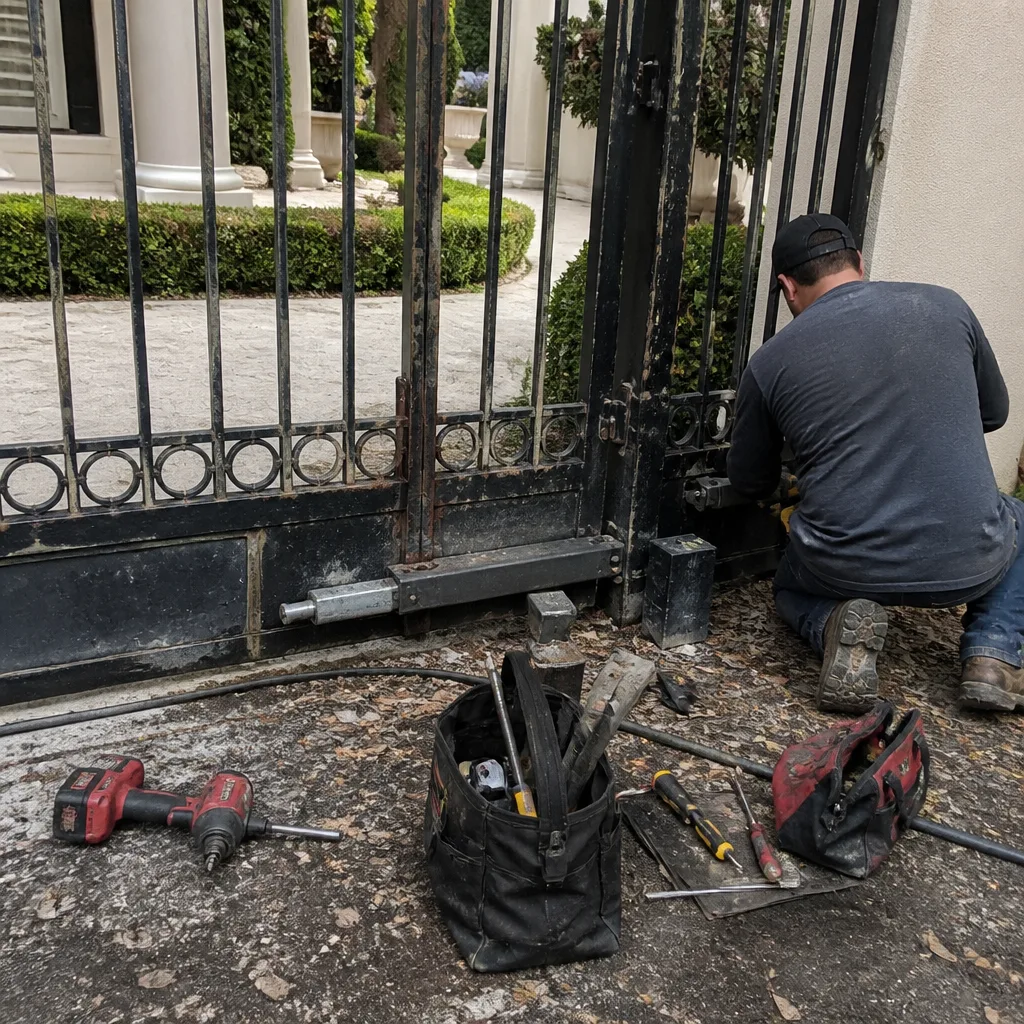 Before
 After
After Before
 After
After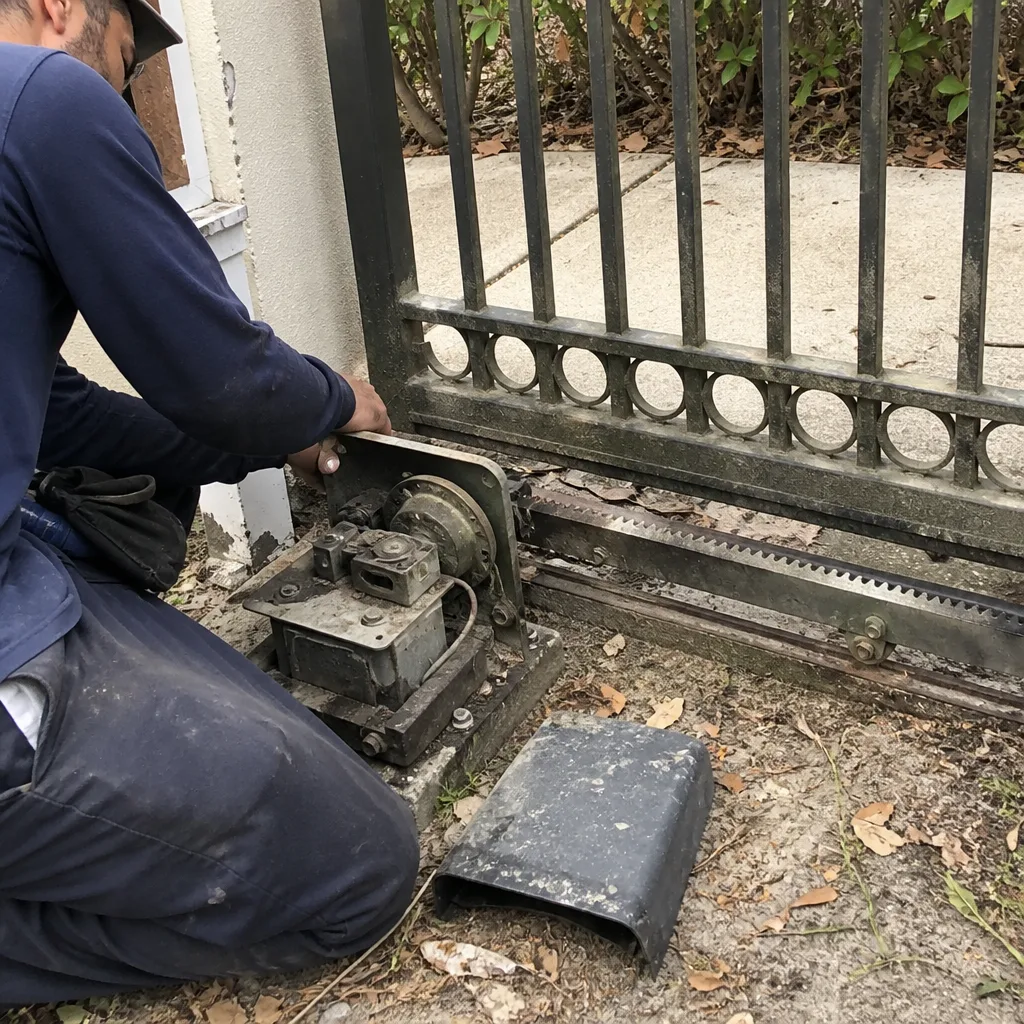 Before
 After
After