
Last updated October 31, 2026
 Wrought iron
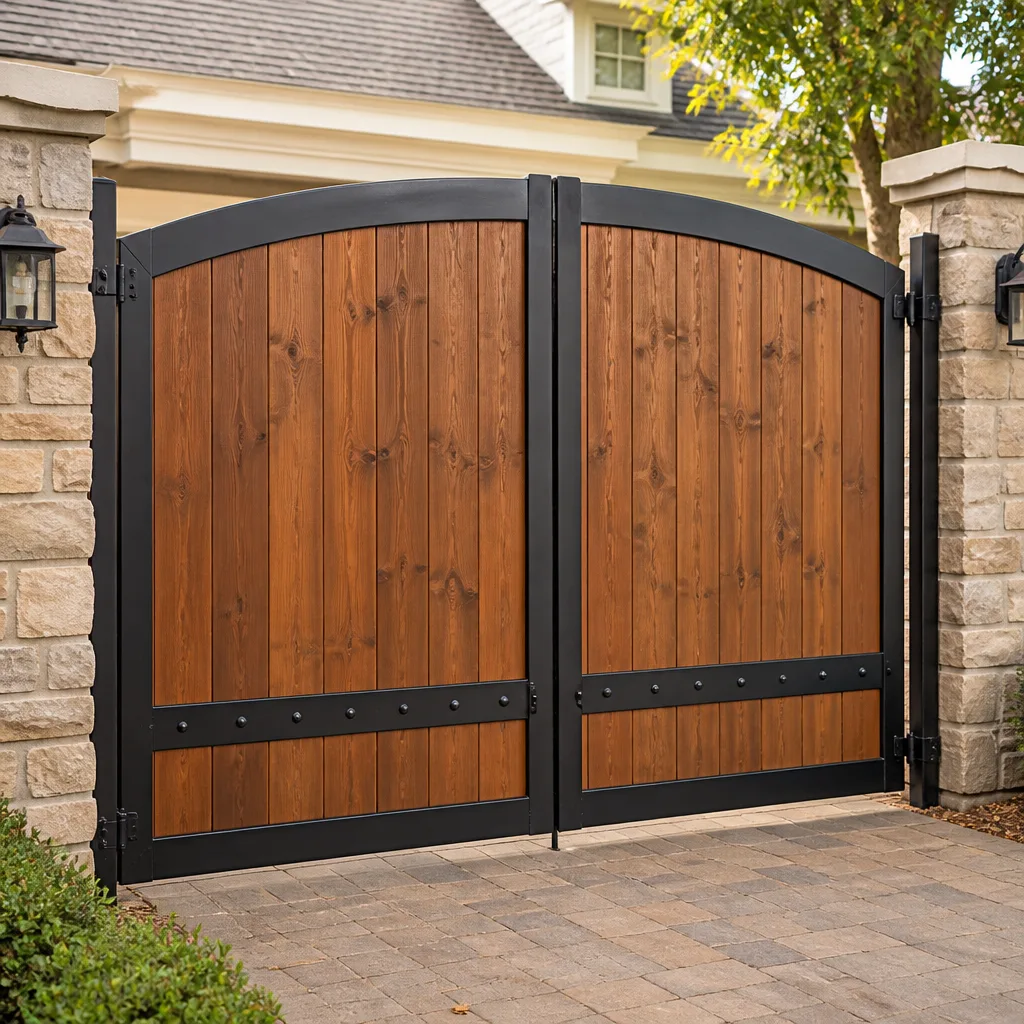 Wood & steel frame
 Farm & ranch
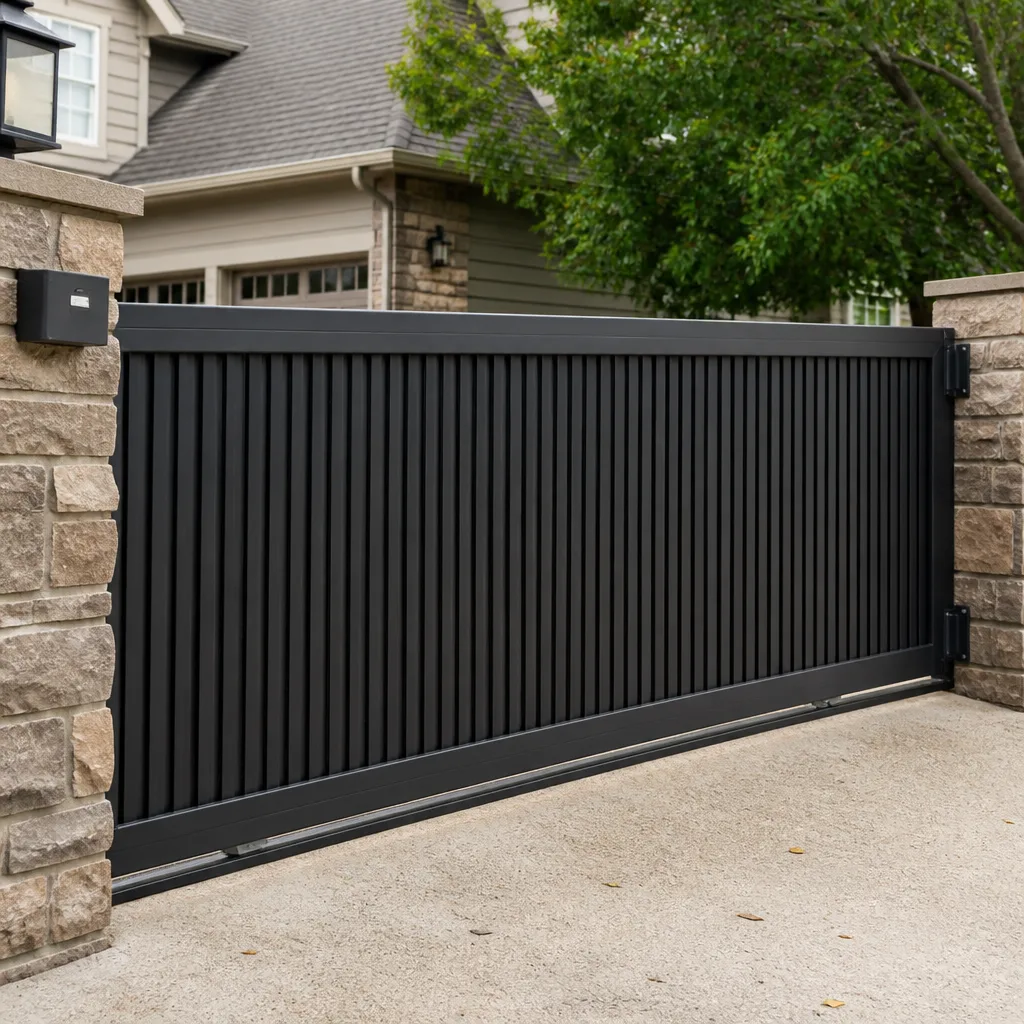 Sliding driveway gates
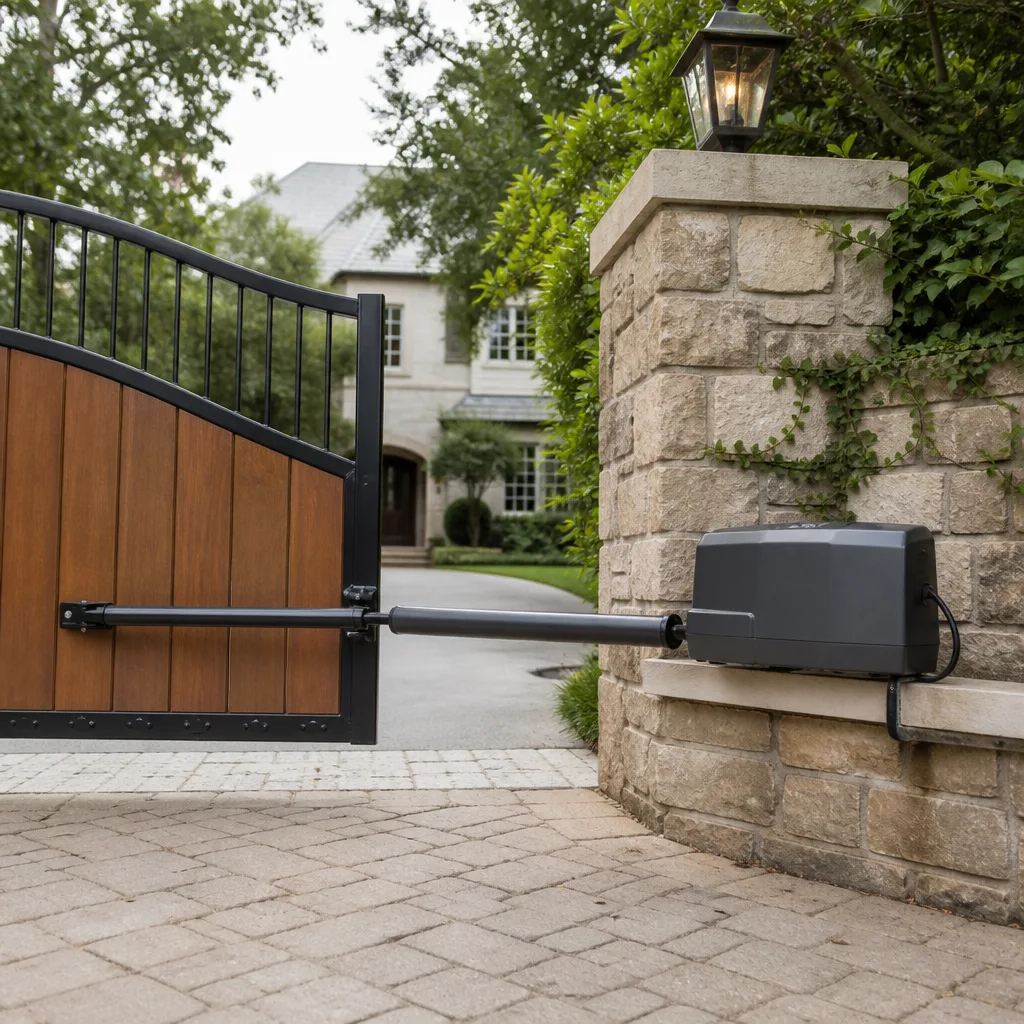 LiftMaster operators
Free on-site gate assessment - hinges, posts, and your LiftMaster or Nice gate operator checked before anything is quoted
The assessment is free and the quote is the invoice.
Get your free estimateGate Repair Troubleshooting: Common Problems and How to Fix Them
Here’s a truth most gate owners in Tampa learn the expensive way: the most common costly gate repair mistake isn’t ignoring a problem until it gets worse. It’s paying to replace a motor, a control board, or an entire operator when the real fault is a $12 fuse, a misaligned safety sensor, or a battery in a remote that’s been dead for three weeks. We see this pattern constantly across Tampa, from swing gates in Hyde Park to slide gates on commercial lots near Westshore. This guide gives you a structured diagnostic sequence. The goal is simple: identify the actual fault before you spend a dollar on parts or a service call you might not need.
Styles & brands we work with
Quick Answer
Gate repair troubleshooting works in three steps: determine whether the failure is electrical, mechanical, or remote-related; check the five components that cause most failures (power source, battery, safety sensors, limit switches, remote/operator signal); and only then decide whether a trained specialist is needed. Most common problems are identifiable within 10 minutes using nothing more than your eyes, ears, and the gate’s LED fault code display. When in doubt, call a gate specialist in Tampa at (866) 976-0095 or explore our Gate Repair services before buying replacement parts.
Table of Contents
- The 10-Minute Structured Diagnostic: Electrical, Mechanical, or Remote?
- How to Read Your Gate Operator’s LED Fault Codes
- The Five Components That Cause 80% of Gate Failures
- How to Safely Manually Release an Electric Gate Without Damaging the Operator
- What Looks Simple But Isn’t: Symptoms of a Failing Main Board or Motor Winding
- Tampa-Specific Considerations: Climate, Power Surges, and Coastal Conditions
- Common Mistakes to Avoid
- When to Call a Professional
- Frequently Asked Questions
- The Bottom Line
The 10-Minute Structured Diagnostic: Electrical, Mechanical, or Remote?
Before you touch anything, you need to answer one question: What category does this failure belong to? Most gate owners skip this step and go straight to “the motor is bad.” That’s how a $400 motor replacement gets ordered for what was actually a dead wall console battery. Here is a decision tree that isolates the fault in under 10 minutes. We’ve used this exact sequence hundreds of times across Tampa service calls, and it works for nearly every residential and light-commercial gate system we see on LiftMaster, FAAC, BFT, and Linear operators.
- Does the gate respond to ANY input? Test the wall console, the remote, and the keypad if you have one. If the gate moves from any of them, the failure is input-specific, not system-wide. Go to step 4.
- If there is no response from any input, check the operator for power. Look at the operator housing or the control box. Is there a status light or LED display lit at all? No light means no power reaching the board. Check the breaker, check for a tripped GFCI outlet, and check the master power switch on the operator itself. Tampa’s summer thunderstorm season trips breakers and GFCI outlets constantly, and this is the single most common no-response cause we find in rainy months.
- If the operator has power but no movement, put your ear against the housing while someone presses the remote. Do you hear a click? A hum? A clicking relay but no motor engagement points to a control board issue or a failed capacitor. A hum without movement points to a motor struggling against a load, usually a mechanical obstruction or a failed motor bearing. If you hear absolutely nothing, it’s likely a board-level input problem or a damaged wiring run.
- If one input works but another doesn’t, isolate the dead input. Remote dead but wall console works? Check the remote battery and the receiver. Wall console dead but remote works? Check the console wiring and the console itself. Keypad dead but everything else works? Check the keypad wiring and its fuse on the board. This one distinction will save you from replacing an operator that just needs a $4 battery.
- If the gate moves partway and stops or reverses, check the visual and mechanical points. Look at the track or the gate hinge line. Is there debris? Is a wheel off track? Does the gate hit anything on its travel arc? In Tampa, cypress roots and shifting sandy soil frequently lift gate posts out of alignment, which changes the gate’s travel path and makes the operator eat its own limit settings.
Once you’ve placed the failure in one of those categories, you can move to the specific component inspection in the sections below. The point is that you’ve stopped guessing. You now know whether you’re chasing a mechanical obstruction, an electrical supply issue, or a control input failure. That distinction changes every decision that follows.
How to Read Your Gate Operator’s LED Fault Codes
Almost every modern gate operator has a diagnostic LED or a small digital display on the control board. That light isn’t just decorative. It blinks a specific pattern, and that pattern tells you exactly what the board thinks is wrong. You just need to know the language. We work on nine major brands, and while each has its own code table, the logic is consistent across LiftMaster, FAAC, BFT, and Linear systems.
Here’s how to read the codes on the majority of operators:
- Solid light (no blinking): Power is reaching the board and the board is in normal operating mode. The problem is likely downstream (motor, capacitor, wiring) or upstream (input signal, remote, safety device).
- Slow steady blink (1 blink per second): Usually a normal “standby” or “sleep” mode on many operators. Not a fault.
- 2 blinks then pause: Common on LiftMaster and Linear units. Typically indicates a photo eye or safety sensor obstruction or misalignment. This is the number one fault code we see after Tampa storms knock a safety sensor post slightly out of alignment.
- 3 blinks then pause: Often a force reversal trip. The gate hit an obstruction, or the force setting is too sensitive for the gate’s weight. On FAAC and BFT units, triple-blink patterns frequently point to a torque issue or an encoder feedback problem.
- 4 blinks then pause: Usually a limit switch or travel module fault. The operator lost track of where the gate is, or a limit switch wire has been damaged.
- 5 blinks then pause: Frequently a motor or capacitor issue on several major brands. The board is seeing an over-current condition at the motor winding.
- Rapid continuous blinking: Most often a power brownout warning, a failed component on the board itself, or a “maintenance required” reminder that has not been cleared.
The critical skill is not memorizing every manufacturer’s code table. It’s recognizing that the pattern repeats predictably and can be counted. Count the blinks between pauses. Then either check your operator’s manual for the matching code description or call a gate technician who works on that specific brand. Tampa Gate Company technicians read fault codes on LiftMaster, FAAC, BFT, and Linear systems daily, and a 30-second code read often replaces an hour of guesswork.
One caution: do not clear a fault code by resetting power unless you know what the code meant. The code is the operator’s only way of telling you what was wrong, and once you power-cycle, that information may be gone. Write the pattern down first.
The Five Components That Cause 80% of Gate Failures
In our experience across Tampa gate service calls, five components account for roughly four out of every five failures we see. If you systematically inspect these in order, you will find your problem in the vast majority of cases without touching specialized tools.
- The power source. For plug-in operators, check the outlet with a lamp or phone charger. Confirm the GFCI is not tripped. For solar-powered operators, check the battery voltage with a basic multimeter or simply look for a low-battery indicator. In Tampa, solar operators in shaded oak-canopied lots frequently undercharge, especially in our shorter winter days. The operator board is still fine; the battery is just done.
- The battery in the remote and the operator’s onboard battery. Remotes die silently. The operator can still have wall console function while the remote is completely dead. Replace the remote battery (usually a 3-volt coin cell or a 9-volt or AA pack) before investigating anything else on a remote-only failure. Many operators also carry a small onboard battery that holds the memory and the remote receiver during power interruptions. When that battery fails, the operator may lose programming each time power blips, which in Tampa is frequent from June through October.
- The safety sensors (photo eyes and edge sensors). Safety eyes get hit by landscape equipment, get bumped out of alignment by lawn maintenance crews, get coated in pollen and dust, and get their wiring chewed by rodents. A misaligned safety eye tells the board “something is in the path,” even when nothing is. The gate refuses to close, or reverses immediately. Inspect both sides: lenses clean, wiring intact, and the two units aimed directly at each other. On slide gates in Tampa, we frequently find sensors mounted close to the ground where splash-back from rain puddles repeatedly shorts the wiring connections.
- The limit switches or travel settings. Limit switches tell the operator where to stop. On screw-driven mechanical switches, moisture and dirt cause them to stick or to lose contact. On electronic-travel systems, a power surge can corrupt the memory so the operator forgets its open and closed positions. A gate that slams into the posts, stops short, or reverses hard at the end of travel often has a limit switch or travel-setting fault, not a motor problem.
- The gate’s own mechanical condition. Hinges wear. Wheels grind flat spots. Tracks fill with sand and debris. Tampa’s coastal air accelerates rust on unprotected steel hardware, and our sandy soil means slide gates ingest grit into every moving surface. If the gate itself is hard to push in manual mode (see the next section), the operator is working against a load it wasn’t designed for, and it will eventually cook the motor or the board. Operators fail because gates are ignored.
Most gate failures never require a new operator. They require one of these five corrections. A specialist who tells you which one, in the first visit, has already paid for the service call.
How to Safely Manually Release an Electric Gate Without Damaging the Operator
This step is skipped by most homeowners, and skipping it causes secondary damage more often than any other single action. Every electric gate operator has a manual release mechanism. Its purpose is to disconnect the gate from the operator so you can move the gate by hand. Here’s how to use it correctly.
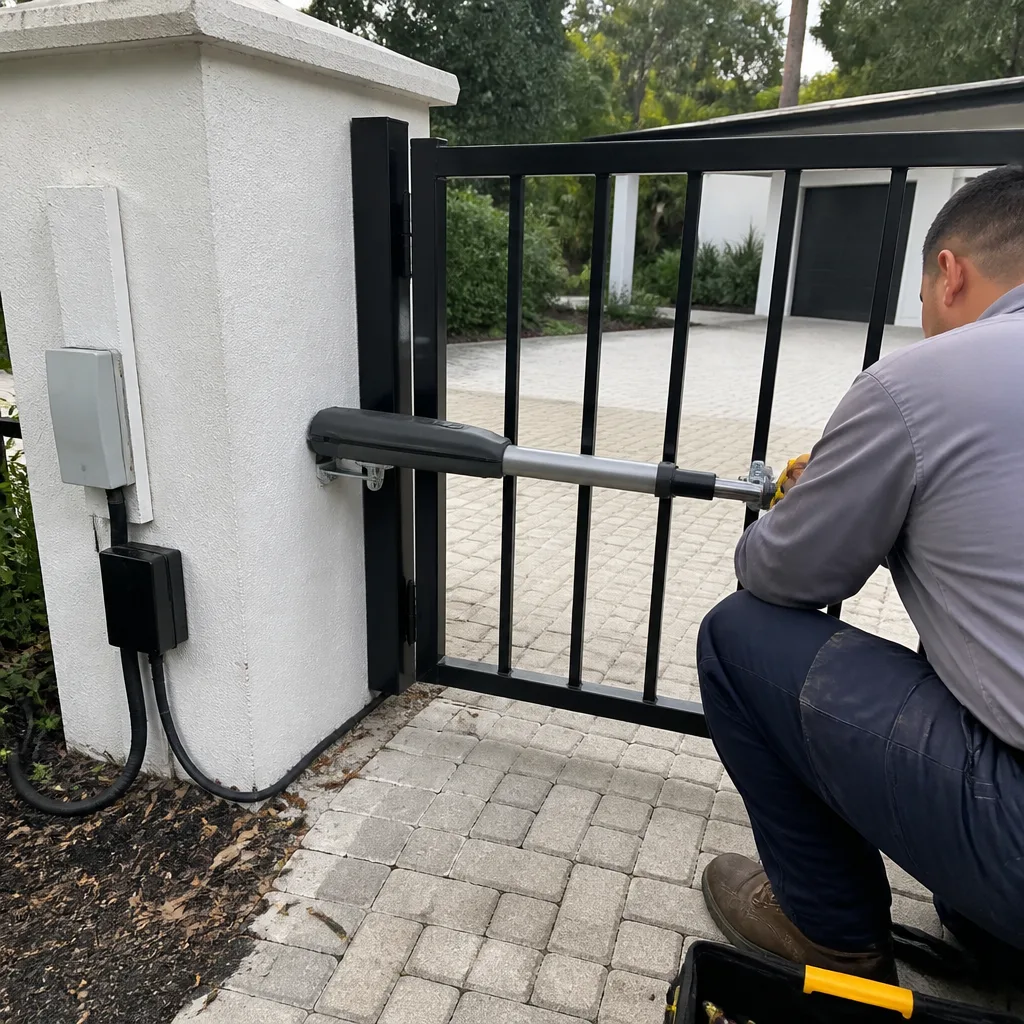
First, kill power to the operator. Locate the master disconnect or unplug the unit and turn off the breaker. The manual release lever on most residential operators is a red or yellow handle on the operator housing, on the drive rail for slide gates, or on the articulated arm for swing gates. Pull the release lever firmly but do not force it if it resists. On LiftMaster slide gate operators, the release is typically a handle you pull and rotate. On FAAC swing operators, there is usually a keyed release on the side of the actuator. On BFT and Linear units, find the release cord or lever near the bottom of the housing.
Once released, move the gate slowly by hand through its full travel. The most important test: does the gate move smoothly, or do you feel resistance, grinding, or binding at any point? A gate that moves freely by hand but stalls under power has an operator problem. A gate that is hard to move by hand has a mechanical problem, and continuing to run the operator against that resistance is how motors and boards get destroyed.
After testing, re-engage the operator by returning the release lever to its original position and restoring power. On many units, the operator will re-engage automatically on the next cycle. Do not force the gate by hand while the operator is engaged. That is the number one cause of stripped gears in gate operators, and it is a completely preventable failure.
One safety note: even with power off, an electric gate’s operator may contain a strong capacitor that retains a charge for several minutes. Do not open the operator housing unless you know how to discharge it. If you are not comfortable with this step, a gate technician can perform the manual operation check for you as part of a standard service visit.
What Looks Simple But Isn’t: Symptoms of a Failing Main Board or Motor Winding
Some gate symptoms look like minor wiring or adjustment issues but are actually early warnings of a failing control board or a motor winding breaking down. Knowing the difference is what separates a cheap fix from a $600-to-$1,200 replacement, and it is where DIY troubleshooting should stop—though our Gate Repair Warning Signs: A Tampa Homeowner’s Reference Guide can help you spot trouble early.
Intermittent operation that gets worse in the heat of the day. If your gate works fine in the morning but refuses to move in the afternoon, especially on Tampa’s hot summer days, that points to a failing component on the control board that drifts out of tolerance as it heats up. It is not a sun-related wiring issue. It is a board in thermal failure.
A motor that runs but the gate moves slower each week. A mechanical load problem typically causes a sudden change, not a gradual decline. A gate that has been getting slower for weeks or months is usually a motor winding breaking down or a failing capacitor. In Tampa’s humid climate, winding insulation degrades faster than in drier regions, and the moisture intrusion eventually shorts a winding turn. The motor may still “work,” but it is producing less torque and consuming more current, and the board will eventually fail from the excess load.
Random reversal with no obstruction present. If you’ve cleaned the safety eyes, aligned them, and the gate still reverses randomly in the middle of travel, the board’s current-sensing circuit may be falsely reading a force overload. This is a board calibration drift or a failing component in the sensing circuit. It is not something you can fix by adjusting the force dial further.
A relay clicking but the motor never engages. This points to either a failed motor capacitor or a burned relay contact on the board. In many cases, the relay is soldered to the board, and replacing the whole board is the only viable repair. A gate tech can test for board-level signal output with a multimeter in about five minutes and tell you whether the board or the motor is the real fault.
The takeaway: if your gate has any of these patterns, stop throwing parts at it. The next step is a professional diagnosis from someone who works on gates specifically. For more detail on how Tampa Gate Company handles these deeper failure modes, see our Gate Repair in Tampa page.
Tampa-Specific Considerations: Climate, Power Surges, and Coastal Conditions
Gate systems in Tampa face conditions that are different from almost anywhere else in the country. Ignoring those conditions leads to repeated failures that a generic troubleshooting guide can’t explain. Here is what matters here.
Lightning and power surges. Tampa is the lightning capital of the United States, full stop. Summer thunderstorms arrive almost daily from June through September, and every storm brings voltage spikes to the power grid. Gate operators, especially those wired into a home’s electrical panel or on a commercial property, are exposed directly to those spikes. We routinely see control boards with visible scorch marks after an evening storm, and the owner never knew the gate took a hit. If your gate acts erratically right after a storm, assume surge damage until proven otherwise. A whole-panel surge protector is not a luxury here; it’s a standard part of any gate installation near Tampa.
Humidity and salt air. Tampa’s humidity runs 70 – 90% most of the year, and properties within a few miles of Tampa Bay or the Gulf get salt-laden air on top of it. Unsealed control boards, exposed wiring connections, and unpainted steel hardware corrode faster than expected. We see boards with green corrosion on the terminals and rusted limit switch arms on gates that are only four or five years old. Coastal Tampa properties need stainless or marine-rated hardware and weatherproof enclosures, or the gate becomes a maintenance cycle every 18 months.
Sandy soil and shifting posts. A lot of Tampa sits on sandy soil that drains beautifully but shifts with wet-dry cycles. Gate posts move. When a post moves a half inch, the gate’s alignment changes, the operator’s force settings no longer match reality, and the motor works harder every cycle. If you live in a Tampa neighborhood with mature oaks or near any body of water, check your gate for post movement annually. It’s the slow killer behind many “sudden” failures we see on Electric Gate Repair in Tampa calls.
Pollen, sand, and the rainy season. Tampa’s live oaks drop pollen thick enough to coat everything, and our summer rains splash sand and grit onto low-mounted gate hardware. Safety sensor lenses coated in pollen plus sand in the track plus a hard rain equals a gate that reverses every third cycle, and the owner has no idea why. Most of the time the fix is cleaning and adjusting, not replacing.
Common Mistakes to Avoid
- Replacing the operator when the remote battery is dead. A dead remote or a lost programming link is cheaper and faster to fix than any operator. Test every input before spending on a new operator.
- Power-cycling the operator to clear a fault code without reading it first. The blink pattern is your only diagnostic clue. Once it’s gone, you’ve erased the evidence and the tech now has to wait for the fault to recur.
- Forcing the gate by hand while it’s still engaged to the operator. This strips gears, breaks shear pins, and wrecks the release mechanism. Always use the manual release correctly, with power off.
- Ignoring a gate that’s been getting slower for months. Gradual slowdown is a failing motor or capacitor, not a “lazy gate.” Running it until it stops usually means the board fails too.
- Adjusting force and limit settings without understanding what changed. Turning up the force to compensate for a bound-up gate burns out the motor. Find the mechanical problem first.
- Buying a generic replacement board or remote from an online seller with no brand fit. Gate systems are not universal. A board that “kind of works” can fail to close the safety loop properly, and now your gate is a safety hazard. Match the brand and the model exactly.
- Putting off post-alignment checks on Tampa’s shifting soil. A half-inch of post movement shortens motor life year after year, and you won’t see it until the unit burns out.
When to Call a Professional
Call a specialist when the failure involves a control board that smells burned, shows visible scorching, or will not respond after a power surge; when a motor runs but the gate slows week over week; when the fault is intermittent and heat-related; or when you’re not comfortable opening the operator housing to check wiring and the manual release. High-voltage capacitors inside an operator retain a dangerous charge even with the power off, and a wrong move near the board can hurt you and fry the board permanently. If the diagnostic steps in this guide haven’t produced a clear answer in 30 minutes, the most cost-effective next step is a trained set of eyes. Tampa Gate Company home dispatch covers the Tampa area, and we offer free estimates. Call (866) 976-0095 and describe the symptom. We’ll tell you what we think it is before we even schedule the visit.
Frequently Asked Questions
Simple remote reprogramming and sensor realignment typically runs $75 to $150 in Tampa when no parts are needed. Component replacements like limit switches, safety eyes, or a new capacitor usually land between $150 and $400. Control board and motor replacements run higher, commonly $500 to $1,200 depending on the brand and model. Every quote is confirmed before work begins, so you always know the price up front. Call (866) 976-0095 for an exact quote on your system.
A gate that reverses mid-travel has either a safety sensor falsely tripping, a force-sensing circuit reading excess current, or a mechanical bind that hits at a specific point. Clean and align the sensors first, then check for debris or a bad wheel in the track. If the problem persists, the force-sensing board circuit may be drifting. A specialist can identify the specific cause in one visit. For more, see our Electric Gate Repair in Tampa page.
Three blinks on most LiftMaster, Linear, FAAC, and BFT units signals a force reversal or torque fault. The board is detecting more load than it expects, usually from an obstruction, a binding gate, or incorrectly set force limits. Check the track and the gate’s manual movement first. If the gate moves freely by hand, the issue is electrical, not mechanical.
Yes, Tampa Gate Company services LiftMaster, FAAC, BFT, Linear, and several other major brands. We diagnose and repair the motor, control board, safety sensors, and access-control components on each system. Our techs read brand-specific fault codes and stock or order the correct parts rather than adapting generics.
Manual gate installation can be a DIY project if you have experience with concrete footings and precise post alignment. Electric gate installation is a different animal: wiring, safety loops, photo eyes, and edge sensors must be installed to code, and a mistake creates a serious safety hazard. Tampa’s sandy soil also requires proper footing depth to prevent post movement. For homeowners weighing repair versus replacement, our Gate Installation in Tampa page covers what a full install includes. Call (866) 976-0095 for a free measure and written price.
Every six months, clean the safety sensor lenses, clear debris from the track, check hinge lubrication on swing gates, and inspect for rust on coastal properties. Every year, check post alignment, test the manual release, and verify the operator’s force settings against the gate’s actual load. After any major Tampa thunderstorm, check the operator for a tripped breaker and watch for erratic behavior that signals surge damage. A 30-minute maintenance visit twice a year prevents most of the failures in this guide.
The Bottom Line
Most gate failures are not the big-ticket problem they first appear to be. The difference between a $12 fix and a $1,200 replacement is almost always a structured diagnosis: isolate the category, read the fault code, check the five common components, inspect the mechanical condition, and know when a symptom signals a deeper issue. Tampa’s climate adds lightning, humidity, and shifting soil to that equation, which makes local knowledge part of the diagnostic. The right sequence saves money, and it stops a small problem from becoming an operator-killing failure, as we explain in How to Hire a Gate Repair Contractor in Tampa: A Step-by-Step Guide. When you’ve done the basic checks and the gate still isn’t right, one call to a gate specialist at (866) 976-0095 gets you an honest diagnosis and a price before any work starts.
Written by the team at Tampa Gate Company, serving Tampa since 2013. For more guides & resources, visit our blog.
See the difference
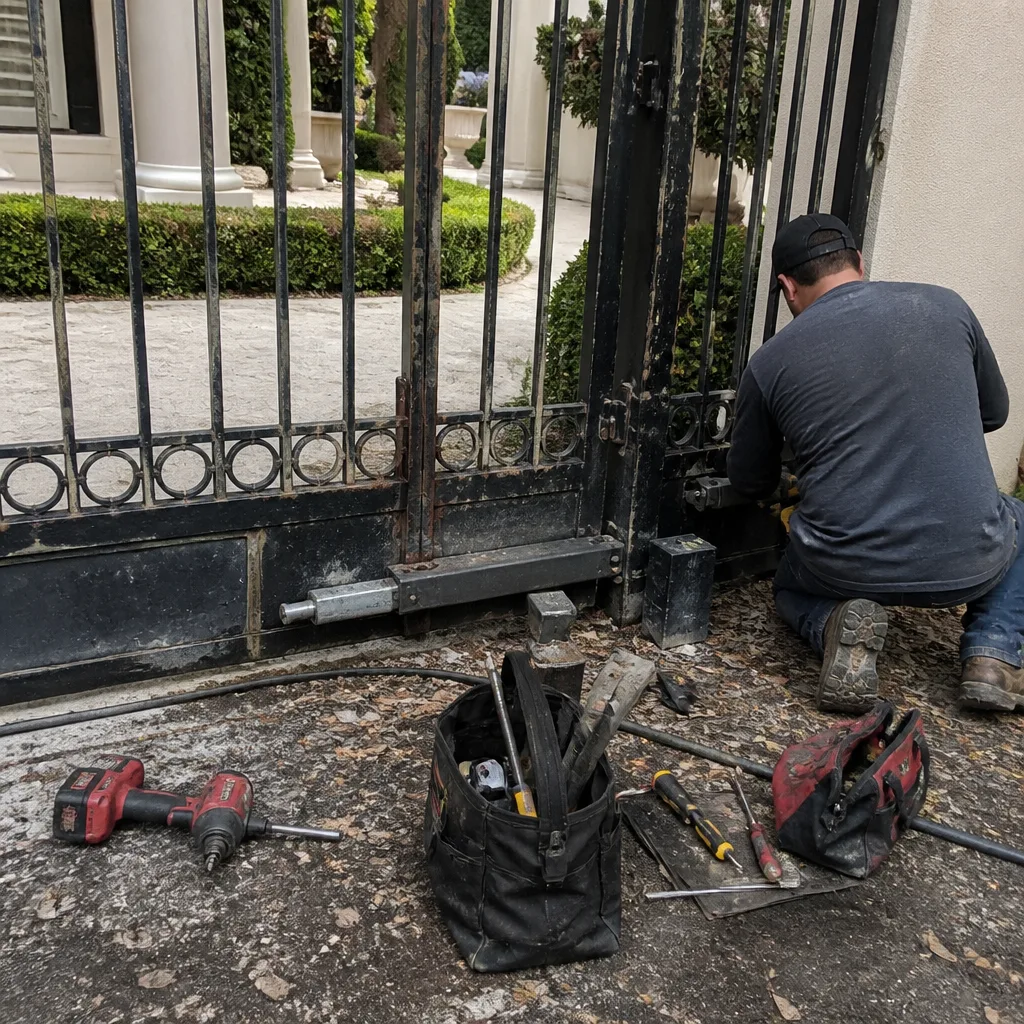 Before
 After
After Before
 After
After Before
 After
After