
Last updated October 31, 2026
 Wrought iron
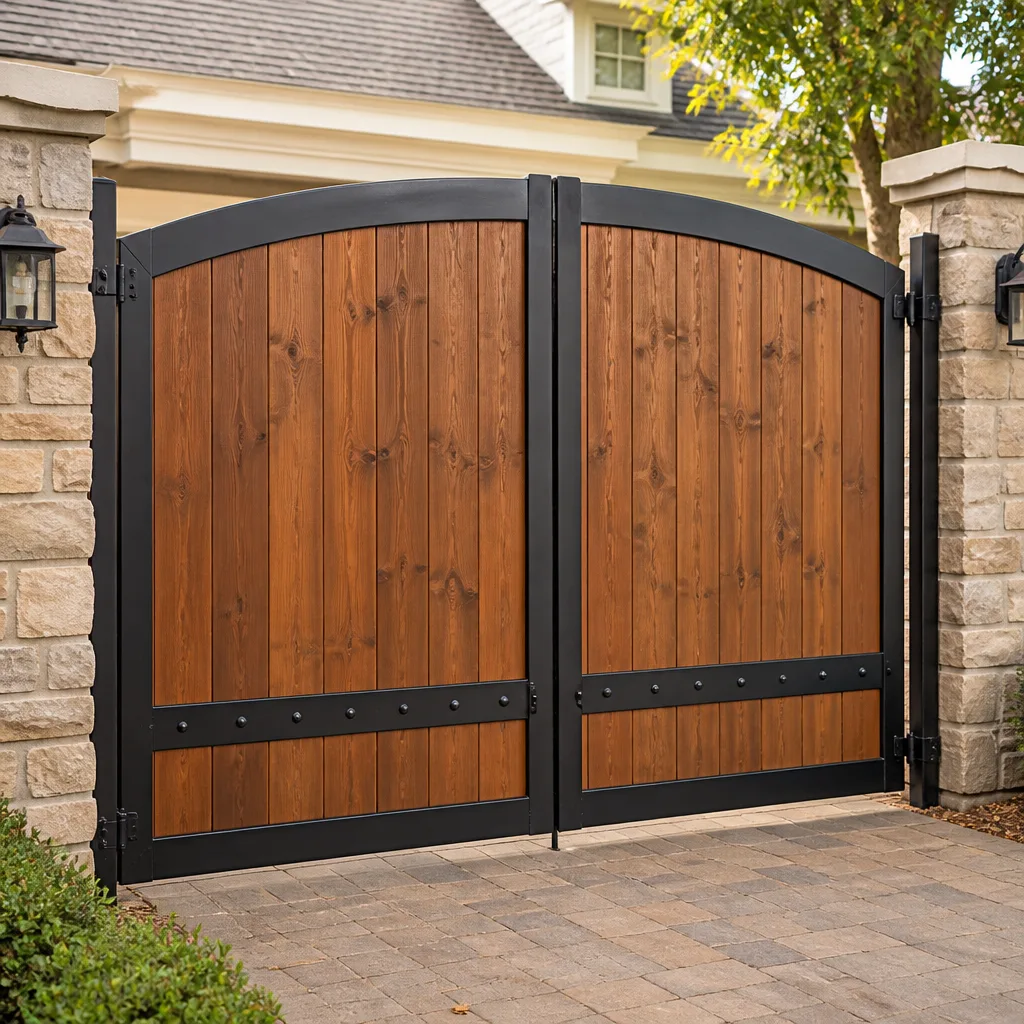 Wood & steel frame
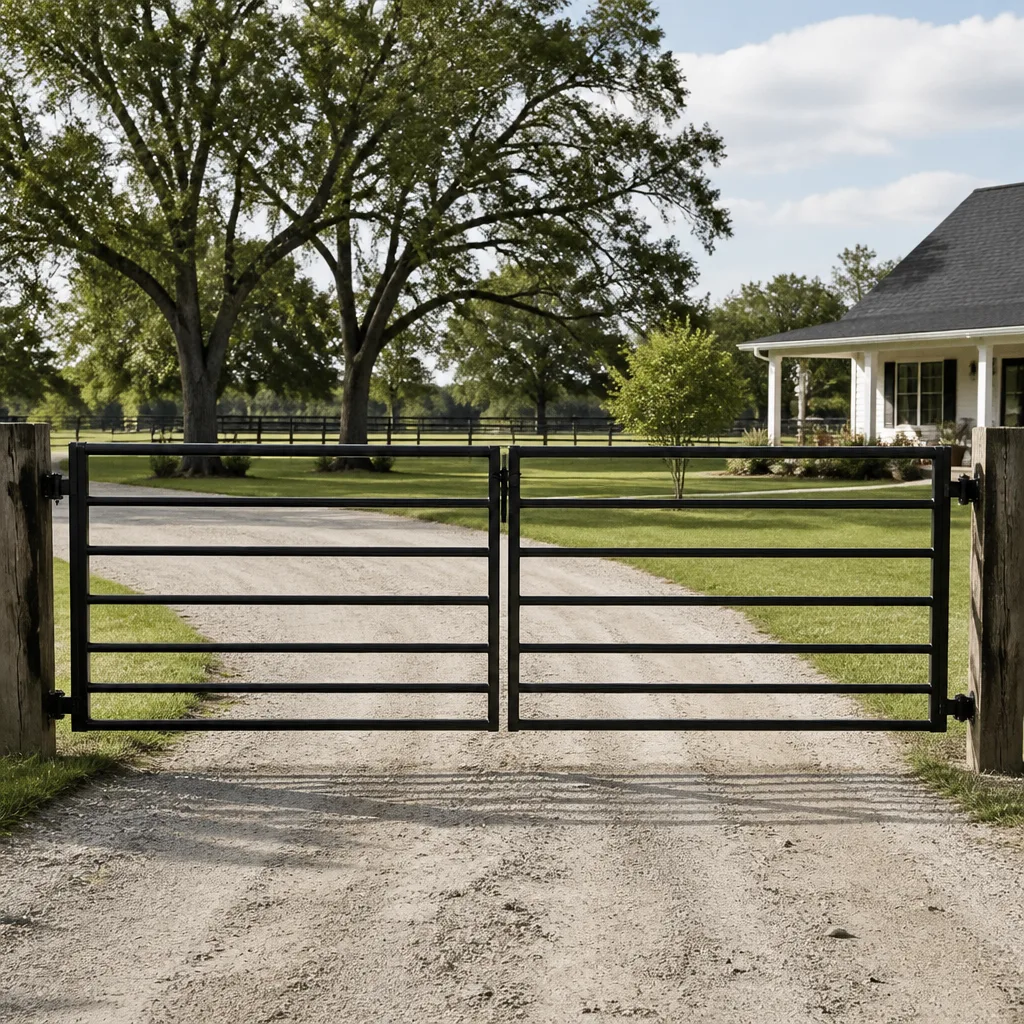 Farm & ranch
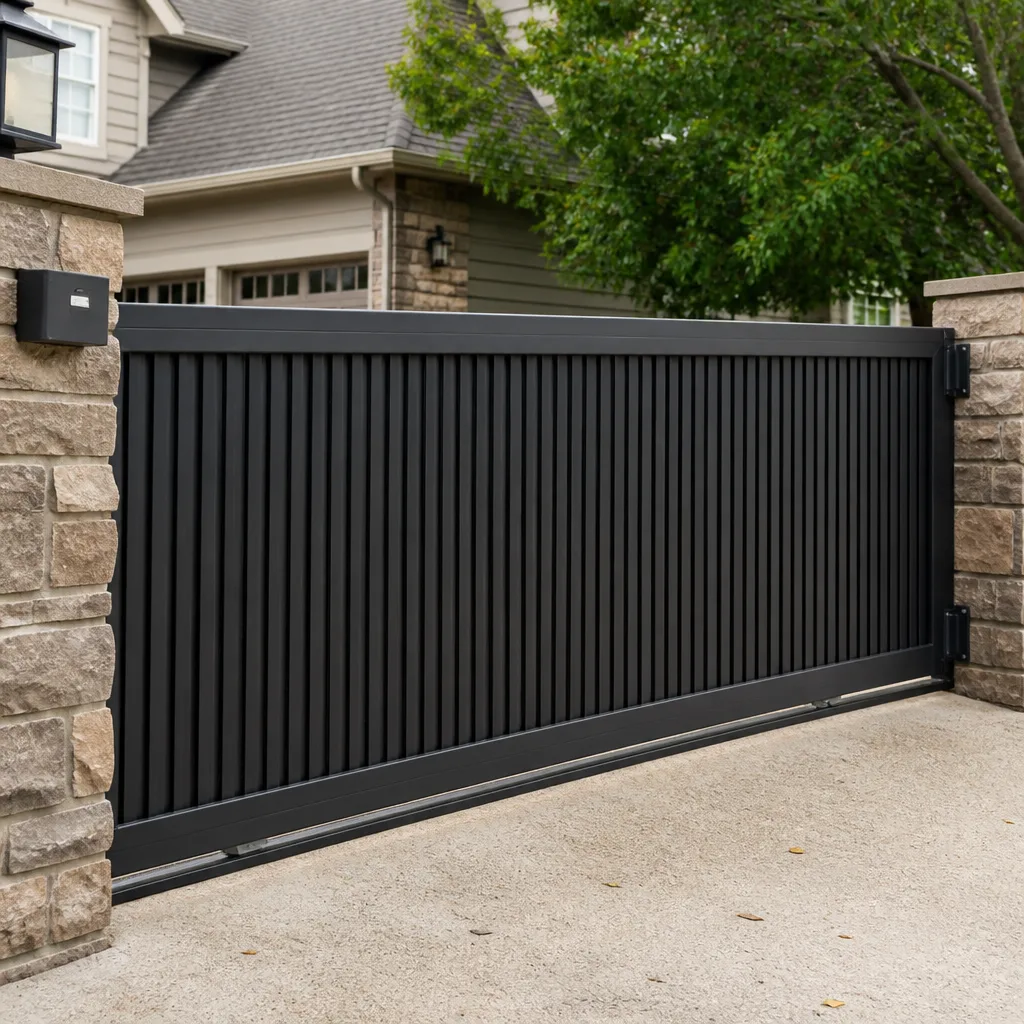 Sliding driveway gates
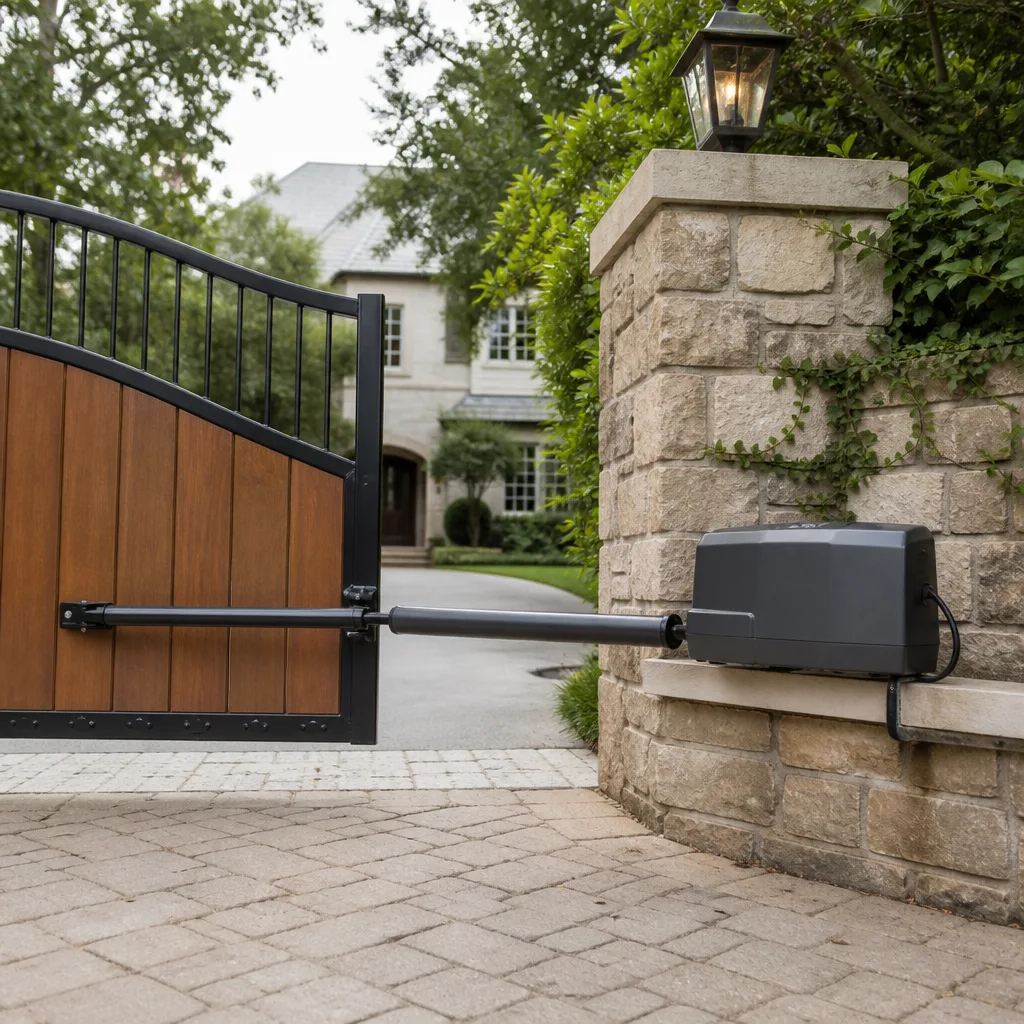 LiftMaster operators
Free on-site gate assessment - hinges, posts, and your LiftMaster or Nice gate operator checked before anything is quoted
The assessment is free and the quote is the invoice.
Get your free estimateGate Repair Warning Signs: A Tampa Homeowner’s Reference Guide
A gate that hesitates for two seconds before moving isn’t “warming up” – it’s showing you a specific mechanical or electrical symptom that has a name, a cause, and a repair cost that gets higher the longer you wait. In Tampa, where humidity eats at circuit boards and afternoon thunderstorms stress every outdoor electrical connection, these warning signs tend to appear as intermittent quirks that homeowners dismiss until the gate simply won’t budge. This guide decodes the ten most common gate behaviors we see across Tampa, explains what each one actually tells you about the underlying failure, and gives you a framework for deciding whether you’re looking at how to hire a gate repair contractor in Tampa for a next-week appointment or a same-day emergency.
Styles & brands we work with
Quick Answer
Gate repair warning signs in Tampa fall into three categories: motion problems (hesitation, slowing, jerking, stopping mid-travel), sound problems (grinding, clicking, humming without movement), and response problems (intermittent operation, remote failure, safety reversal). Any gate that moves slower than it did six months ago, makes a new noise, or occasionally refuses to respond is actively failing – and in Tampa’s humidity, electrical symptoms that come and go are the most dangerous kind, because they typically mean moisture is corrupting a control board or sensor circuit that will fail completely without warning. For seasonal gate repair care in Tampa, catching these early is critical.
Table of Contents
- 1. The Hesitating Gate: What That Two-Second Delay Actually Means
- 2. Grinding, Scraping, and Metal-on-Metal Sounds
- 3. The Gate That Hums But Doesn’t Move
- 4. Intermittent Operation: Why “Sometimes It Works” Is Worse Than “It’s Broken”
- 5. Safety Reversal Without an Obstruction
- 6. Shrinking Remote Range and Delayed Response
- 7. Burning Smells, Warm Motors, and Tripped Breakers
- 8. The 5-Minute Visual Inspection Every Tampa Homeowner Should Do Monthly
- 9. Urgent vs. Schedulable: A Triage Framework for Gate Problems
- 10. What to Document Before You Call a Repair Company
- Common Mistakes to Avoid
- When to Call a Professional
- Frequently Asked Questions
- The Bottom Line
1. The Hesitating Gate: What That Two-Second Delay Actually Means
A gate that pauses before responding to a remote, keypad, or vehicle sensor command is not being stubborn. That delay is the system telling you something specific: either the motor is struggling against physical resistance, the capacitor that provides the initial starting jolt is weakening, or the control board is processing inputs sluggishly. Each cause has a different repair profile and cost.
The most common culprit we see in Tampa is a failing start capacitor. Electric gate motors, like the ones in FAAC and BFT swing systems, rely on a capacitor to deliver the surge of current needed to overcome the gate’s resting inertia. When that capacitor degrades – and Tampa’s heat accelerates the breakdown of electrolytic capacitors – the motor takes longer to build enough torque to move the gate. The hesitation is the capacitor dying in slow motion. Left unaddressed, the gate eventually won’t start at all, and the motor may overheat from repeated failed start attempts.
The second cause is physical drag on the gate itself. A hinge that’s losing its bearing, a wheel that’s flattened on one side, or a track packed with sand and debris from Tampa’s afternoon storms all add resistance. The motor pushes harder, the control board compensates by ramping voltage more slowly, and you perceive a delay. In this case the hesitation is protecting the motor from burning out – but it’s also telling you the mechanical components need attention before they cause motor failure.
The third cause is a control board that’s drowning. Boards from Viking and BFT systems are sealed against weather, but Tampa’s humidity finds every micro-crack in the potting compound. Moisture on a board creates resistance across traces, slowing signal processing. The gate still works – until the corrosion progresses far enough that it doesn’t. If your gate hesitates more on humid mornings than dry afternoons, that’s your answer.
2. Grinding, Scraping, and Metal-on-Metal Sounds
New noises are never normal. A gate that’s been running quietly for years and suddenly starts grinding, scraping, squealing, or rattling is announcing a mechanical wear issue that only gets more expensive to fix the longer it runs.
Here’s what each sound typically means:
- Grinding during movement: The drive gear on a slide gate, or the gearbox in a swing gate operator, has worn teeth that are no longer meshing cleanly. On Linear and Viking slide gate operators, this is often the result of the gate being forced to run on a misaligned track, which loads the gear unevenly until teeth fracture.
- Scraping along the bottom or side: The gate leaf has sagged on its hinges, or a roller has failed, letting the gate drag against the track, the ground, or the fence post. You’ll often see a visible wear line in the concrete or on the gate frame.
- Squealing that rises in pitch: A bearing is running dry and overheating. The squeal is the metal race grinding without lubrication. It won’t fix itself, and the bearing will eventually seize, which can bend the gate frame if it happens mid-travel.
- Rattling when the gate stops or reverses: Mounting bolts have loosened, or a hinge pin has worn oval. The gate is no longer rigidly held, so it shakes against its hardware.
Ignoring these sounds is expensive. A worn gear is a $150 to $400 parts-and-labor repair on most systems. A seized bearing that bends a gate leaf can push the repair into replacement territory for the entire leaf, which in Tampa’s market typically runs north of $1,500 for a standard residential swing gate.
3. The Gate That Hums But Doesn’t Move
A gate operator that hums without moving is universally bad news, but the cause depends on the type of gate and operator. The humming sound is the motor receiving power and trying to turn – and failing.
On a slide gate, the most common cause is the drive chain or belt slipping on the drive sprocket. The motor spins, the sprocket spins, but the chain isn’t engaged, so the gate stays put. This can happen when the chain has stretched beyond its tensioner’s adjustment range, or when the gate itself is jammed against an obstruction and the clutch is slipping by design to protect the motor.
On a swing gate, the hum is usually the sound of the gearbox input shaft spinning while the output shaft stays locked – either because the gearbox has stripped internally or because the gate’s hinge has seized so completely that the operator can’t overcome the resistance. With BFT and FAAC swing operators, a stripped gearbox is a known failure mode after years of operation, particularly on heavy gates that were always borderline for the operator’s rating.
There’s one important exception: some linear screw-drive operators intentionally make a brief hum while the screw engages. If the hum lasts longer than two seconds and the gate doesn’t move, that’s a problem, not a startup quirk.
Whatever the cause, don’t keep sending open and close commands while the gate hums. Repeated attempts with a locked rotor will overheat the motor windings and can destroy the motor entirely, turning a $200 gearbox repair into an $800 operator replacement.
4. Intermittent Operation: Why “Sometimes It Works” Is Worse Than “It’s Broken”
Homeowners routinely tell us the gate “has a mind of its own” or “only acts up when it rains.” We hear that as a countdown timer. Intermittent problems are the most dangerous category of gate failure because they often precede a total and inconvenient collapse – and they’re the hardest to diagnose if you wait until the symptom disappears.
In Tampa’s climate, intermittent electrical issues almost always trace back to moisture. Here’s the progression: humidity works its way into a control board enclosure through a degraded gasket, a cracked seal, or an improperly seated cover. Condensation forms on the board when the temperature swings, which happens constantly along the bay. That moisture bridges circuit traces, causing the board to behave erratically. The gate opens when you press the remote, then doesn’t. It reverses for no reason, then works fine for a week. Each moisture cycle deposits a little more corrosion, until eventually a trace corrodes through and the board fails permanently.
The same pattern applies to safety photo eyes and loop detectors. A photo eye with internal condensation may work in the morning and fail as the day heats up. A loop detector in a saw-cut in the driveway that’s been filled with standing water from a Tampa downpour will read false vehicle detections, causing the gate to open or refuse to close unpredictably.
Intermittent is worse than consistent because consistent failure is diagnosable. A gate that’s simply dead points to a clear component. A gate that works except when it doesn’t requires the technician to catch the failure in the act, which means a longer diagnostic process – and means you’re living with an unpredictable security barrier in the meantime.
5. Safety Reversal Without an Obstruction
Modern gate operators are required by UL 325 safety standards to reverse direction or stop when they encounter an obstruction or when a safety device detects a person, vehicle, or pet in the gate’s path. That’s a feature, not a fault – until the gate starts reversing with nothing in the way.
The most common causes of false safety reversals in Tampa:
- Misaligned photo eyes: The transmitter and receiver have drifted out of alignment, usually because a post shifted or the mounting bracket loosened. The beam no longer connects consistently, so the operator reacts as if the beam is broken.
- Dirty or fogged photo eye lenses: Tampa’s humidity, combined with pollen, dust, and salt air near the bay, coats photo eye lenses quickly. A lens that’s obscured enough to scatter the beam triggers false readings.
- Failing loop detector: The loop buried in the driveway detects a vehicle by sensing a change in inductance when metal crosses over it. A loop detector that’s failing, or a loop wire that’s been cut by paving or root movement, can generate phantom detections.
- Current-sensing set too sensitive: Many operators reverse when they sense abnormal motor current, which is how they detect physical obstructions. If the gate’s mechanical resistance has increased due to hinge wear or track debris, the operator may interpret that normal-for-a-worn-gate resistance as an obstruction and reverse.
The danger of ignoring false reversals is that they train you to distrust the safety system. When the gate starts acting erratically, people tend to disable the safety devices or hold the override button to force the gate closed. That’s how injuries happen. Never bypass a safety device – diagnose it.
6. Shrinking Remote Range and Delayed Response
If you find yourself standing closer to the gate than you used to, or pressing the remote twice because the first press didn’t seem to register, the problem is usually not the remote battery – though swapping in a fresh one is the right first step.
Persistent range loss has three primary causes:
- Receiver antenna degradation: The receiver antenna on the operator’s control board is exposed to weather. Over years of Tampa sun and rain, the antenna’s connection can corrode, reducing its effective reception range from 100 feet down to 20 or 30 feet.
- Interference from new local sources: New construction, upgraded neighborhood WiFi mesh systems, and even LED lighting power supplies can introduce electromagnetic interference that degrades radio reception. If the range drop coincided with a neighbor’s new project or your own router upgrade, that’s the likely culprit.
- A failing receiver module: The receiver circuitry itself degrades over time, particularly when exposed to humidity cycles inside the operator housing. A receiver that’s dying will show progressively worse range until remotes stop working entirely.
Delayed response – where the gate responds two or three seconds after the command – is a different problem. This typically indicates the control board is processing slowly due to power supply issues or early-stage board failure. On Viking and Linear systems, a failing power supply capacitor can cause exactly this symptom: the board eventually processes the command, but not promptly.
7. Burning Smells, Warm Motors, and Tripped Breakers
A burning smell is never a “keep an eye on it” situation. It’s a “shut the breaker off and call someone” situation.
The smell of electrical burning comes from insulation melting on motor windings, transformer windings, or wiring. It has a distinct acrid quality that’s different from, say, a hot gearbox leaking grease. If you smell it, power the gate operator down at the breaker and leave it down until a technician has inspected the system.
A motor that’s warm to the touch after normal operation is not a problem – operators generate heat. A motor that’s hot after a single cycle, or that’s too hot to hold your hand on after several cycles, is overheating. This is typically caused by excessive mechanical load from a gate that’s binding, or by repeated start attempts against a jammed gate. Every overheating episode degrades the motor’s winding insulation; repeated overheating eventually causes a short circuit and total motor failure.
Tripped breakers follow the same logic. A gate circuit breaker that trips once might be a surge from a lightning strike – common enough in Tampa’s summer afternoons that one-off trips aren’t alarming. A breaker that trips repeatedly is telling you the gate is drawing more current than it should, either because the motor is failing or the gate’s mechanical system is making the motor work too hard. Don’t keep resetting the breaker and hoping – the breaker is doing its job, and overriding it risks a fire.
8. The 5-Minute Visual Inspection Every Tampa Homeowner Should Do Monthly
You don’t need to be a technician to catch most gate problems in their earliest stages. A monthly walk-around, taking five minutes, catches the visible warning signs that precede functional symptoms. Here’s the inspection sequence, in order:
- Check the track or gate path: Look for debris, sand buildup, weeds, or anything that could obstruct movement. After Tampa storms, debris migrates into gate tracks constantly.
- Look at the gate leaf: Stand back and sight down the gate from both ends. Is it level? A sagging leaf means hinge wear or a failing wheel. Check the bottom of the gate for scrape marks on the concrete.
- Inspect the hinges: Look for rust, which is accelerated by Tampa’s humidity and salt air, and for visible play. Grab the gate and try to lift it – movement here means the hinge bearing is failing.
- Check the operator housing: Look for cracks, gaps, or missing screws in the cover. Water entering the housing is the number one cause of control board failure in Tampa. If the cover isn’t sealing properly, get it addressed before the next rain.
- Look at the safety photo eyes: Are they pointed at each other? Is the lens clean? Are the mounting brackets tight? A photo eye that’s slipped a quarter-inch can cause false reversals.
- Listen to the gate cycle once: Close your eyes and run the gate through a full open and close. Your ears will catch a new sound before your eyes catch a visible problem.
This inspection takes five minutes and prevents most catastrophic failures. Every breakdown we see in Tampa that “came out of nowhere” was visibly developing for weeks before the gate stopped moving.
9. Urgent vs. Schedulable: A Triage Framework for Gate Problems
Not every gate issue demands an emergency call. Some problems can wait a few weeks for a scheduled appointment without meaningful risk. Others mean the gate could fail completely any day – or has already failed and is now a security problem. Here’s the triage framework we use when homeowners call us about gate repair in Tampa:
Urgent – schedule immediately or same-day:
- The gate won’t open or won’t close, leaving your property unsecured or your vehicle trapped.
- Burning smell from the operator, a tripped breaker that won’t hold, or a motor that’s hot to the touch.
- The gate reverses or stops repeatedly without an obstruction, indicating a safety system that’s malfunctioning.
- The gate moves unpredictably – starting, stopping, or reversing on its own – which poses a genuine injury risk.
- Humming without movement, which means the motor is being stressed every time you press the button.
Schedulable – book within the next 30 to 60 days:
- Gradual slowing of the gate over months, without new noises.
- Shrinking remote range that’s still functional at close distance.
- Minor scraping or rattling sounds that don’t affect operation.
- Cosmetic rust on hinges that hasn’t progressed to visible play.
- Photo eyes that need occasional cleaning to function properly – this indicates alignment drift that can be corrected at a routine visit.
The guiding principle: if the problem affects the gate’s ability to secure your property or poses a safety risk, it’s urgent. If it’s a degradation that the gate is still working around, it can be scheduled – but schedule it, because degradations don’t reverse themselves.
10. What to Document Before You Call a Repair Company
The difference between a 30-minute repair visit and a three-hour diagnostic marathon often comes down to what the homeowner can describe and show when the technician arrives. Here’s what to document before you call about a gate problem:
- Record the exact symptom in words: “The gate hesitates about two seconds after I press the remote, then opens slowly” is far more useful than “the gate is acting weird.” Note when the symptom started, even approximately.
- Photograph the operator: Take a clear photo of the operator housing, including any visible brand name or model sticker. Also photograph the gate itself from a few angles. This lets the technician identify the system and bring the right parts on the first trip.
- Photograph visible damage or wear: If you see scrape marks, rust, sagging, or cracked housings, photograph them. The photos help the technician understand the problem before arriving.
- Test and note the conditions: Does the gate act up only after rain? Only in the morning? Only when a specific remote is used? Write it down – intermittency is diagnosed through patterns.
- Count the cycles: If the gate failed after a certain number of open-close cycles, note that. A gate that works for ten cycles and then overheats is telling you something specific about thermal failure.
This documentation saves you money. Diagnosing an intermittent problem is a process of elimination, and every piece of specific information you provide narrows that process. When a homeowner can tell us “the gate hesitates for two seconds, works normally when it’s dry, and only acts up after rain,” we can usually pinpoint the moisture ingress point within the first twenty minutes of the visit.
Common Mistakes to Avoid
- Repeatedly pressing the remote when the gate doesn’t respond immediately. Every command you send while the gate is faulted adds stress to the motor and control board. If the gate doesn’t respond the first time, stop and assess – don’t spam the remote.
- Lubricating components randomly. Spraying WD-40 or garage-door lubricant on a gate operator’s internal parts or on a slide gate’s track can actually accelerate wear by attracting Tampa’s sandy dust. Lubrication needs to be the right product in the right place, applied correctly.
- Bypassing or disconnecting safety devices. A photo eye that’s causing false reversals is annoying, but disabling it turns a protective system into a guillotine. Gates are heavy enough to kill or seriously injure – never disable a safety component.
- Ignoring the problem because the gate “still works.” Every symptom described in this guide is a progressive failure. Gates don’t heal themselves, and the repair only gets more expensive as the damage compounds.
- Waiting until the gate completely fails to research repair options. The worst time to find out what gate repair costs is when your car is trapped in the driveway and you’re late for work. Knowing your options before the failure means a calmer, cheaper resolution.
- Attempting electrical repairs without cutting power. Gate operators run on 120V or 240V electricity. Even with the operator’s own power switch off, the incoming line voltage is present at the terminals. This is not a DIY situation – the shock risk is real and the equipment is expensive.
When to Call a Professional
Any symptom involving the operator – hesitation, humming, burning smells, tripped breakers, false reversals, erratic behavior – warrants our gate repair services. These are electrical and electromechanical systems, and troubleshooting them safely requires training and the right diagnostic equipment. Gate operators and automated gate systems are complex enough that even experienced generalist technicians routinely misdiagnose them; they involve interacting control boards, safety loops, limit switches, and motor controls that require familiarity with brands like FAAC, BFT, Linear, and Viking to diagnose efficiently.
If your gate is showing any of the warning signs in this guide – or if it’s simply stopped working entirely – Tampa Gate Company offers electric gate repair in Tampa with free estimates. Call (866) 976-0095 to describe what you’re seeing, and we’ll tell you what it likely means and what it’ll take to fix before anyone shows up.
Frequently Asked Questions
Gate repair costs in Tampa vary widely depending on the component involved. Minor mechanical repairs like hinge replacements or limit switch adjustments typically range from $150 to $400 on most residential gates. Control board replacements run $300 to $900 depending on the brand and model. A full operator replacement, which is sometimes the honest answer for a heavily worn system, typically runs $800 to $2,500 installed. The price you pay for any repair is quoted and agreed before work starts – no surprises. Call (866) 976-0095 for an exact quote on your specific situation.
Yes, when a gate fails completely and your vehicle is trapped or your property is unsecured, that’s an emergency. Call (866) 976-0095 and describe what happened, and we’ll prioritize your visit. For non-urgent issues, we schedule the soonest available appointment that works for your calendar.
We service nine of the most common gate brands, including FAAC, BFT, Linear, Viking, LiftMaster, Ghost Controls, DoorKing, Elite, and Mighty Mule. If your system is from a different manufacturer, call us with the model number – in most cases we can still diagnose and repair it, because gate systems share common architectures within each category (slide, swing, barrier).
Repair fixes the specific component that’s failed, while replacement swaps the entire gate or operator for a new system. Our approach is repair-first: we recommend replacement only when the existing system is damaged beyond reliable repair, or when the cost of repair approaches the cost of a new system. If you’re considering gate installation in Tampa, we’ll give you an honest comparison between fixing what you have and starting fresh.
Yes, and more than most homeowners realize. The combination of high humidity, frequent rain, salt air near the bay, and dramatic temperature swings creates condensation inside operator housings that corrodes control boards, connectors, and motor contacts. This is why Tampa gates often show intermittent electrical symptoms before complete failure – moisture intrusion is progressive. Well-sealed operators with intact gaskets fare much better, but even they need periodic inspection.
If the gate is moving erratically, reversing without cause, or making burning smells, yes – switch the gate’s power off at the breaker and leave it off until a technician can inspect it. An erratic automated gate is a safety hazard, and a motor that’s overheating is a fire risk. For minor symptoms like slowing or remote range loss, leaving the gate powered on is fine while you schedule a repair appointment.
The Bottom Line
A gate is a mechanical and electrical system that talks to you constantly – through its response time, its sounds, and its behavior patterns. Most major gate failures in Tampa develop over weeks or months, announcing themselves with symptoms that are easy to dismiss if you don’t know what they mean. A slow-starting gate is not “warming up,” an intermittent gate is not “having a temperamental day,” and a scraping sound is never going to smooth itself out. Learn to read the signals, and explore more guides & resources to stay ahead of problems. When you notice one, act on it within days, not months. The repair you schedule today is always smaller than the failure you call about at 7:00 a.m. tomorrow.
Written by the team at Tampa Gate Company, serving Tampa since 2013.
See the difference
 Before
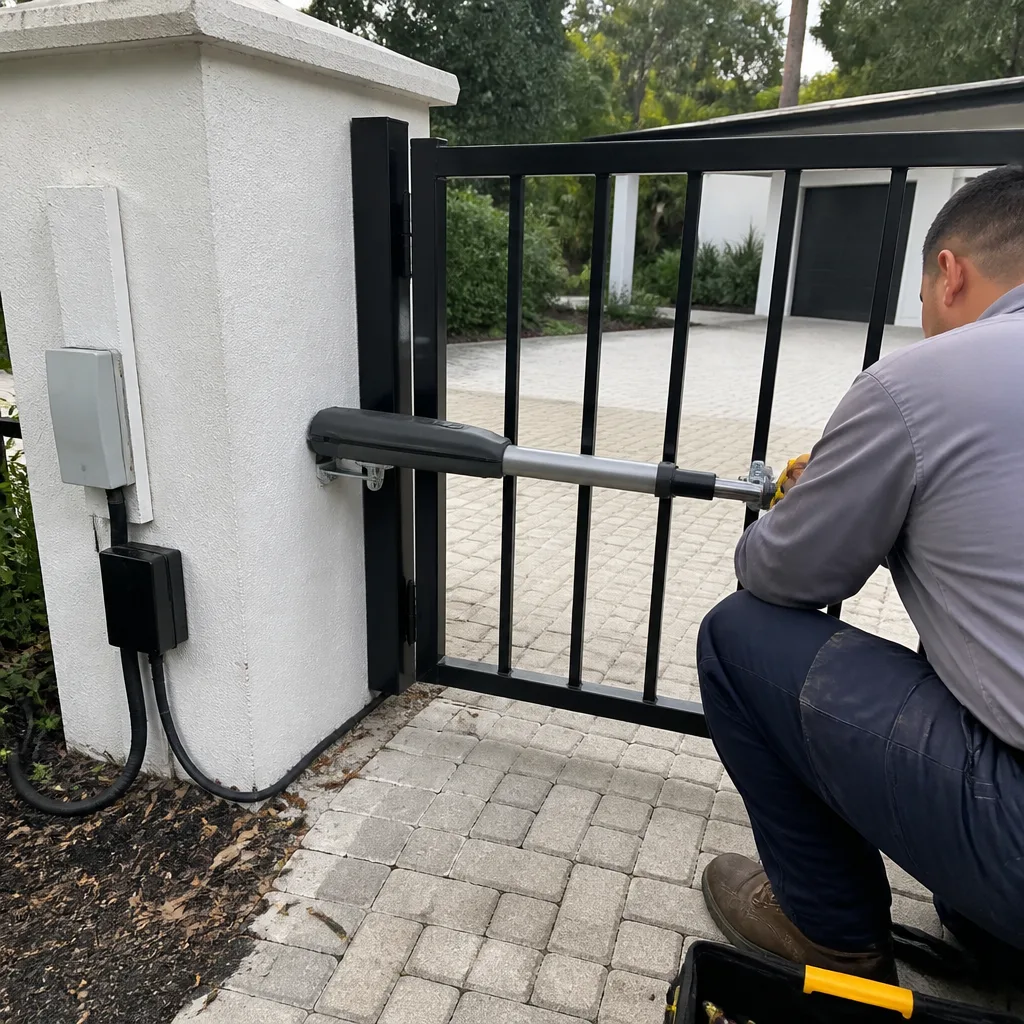
 After
After Before
 After
After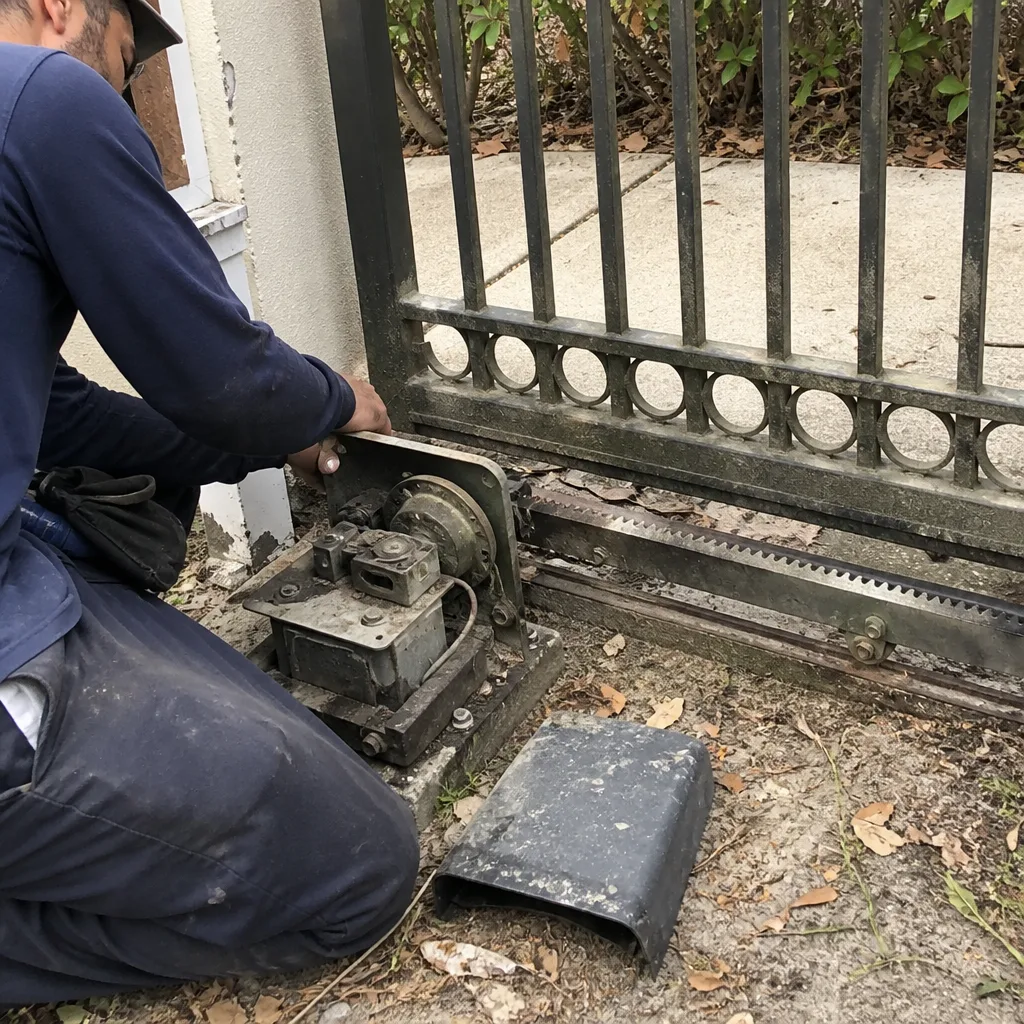 Before
 After
After